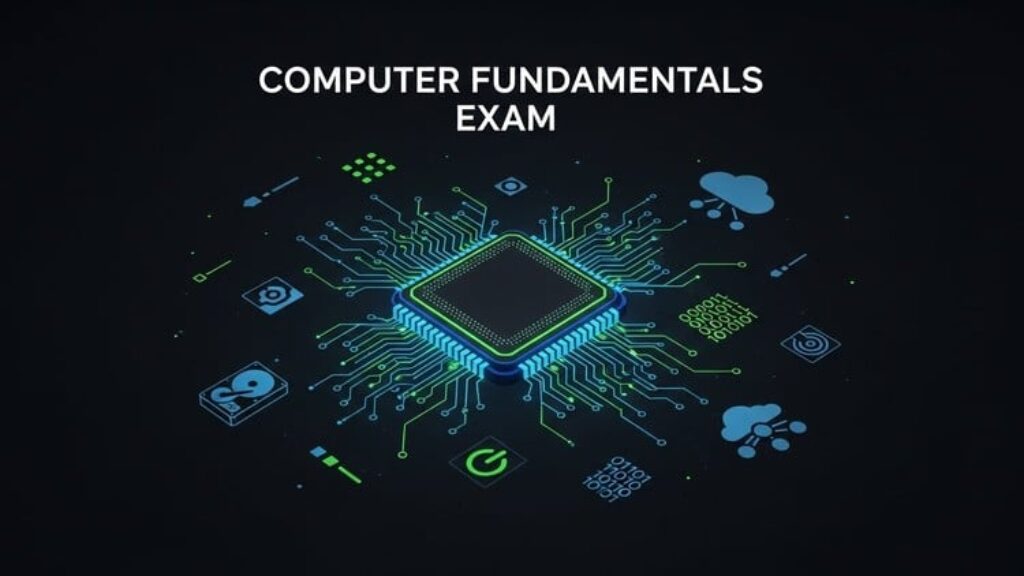
This Computer Literacy 101 practice test is a comprehensive evaluation tool designed to establish and verify core competency in essential computing concepts. It systematically assesses a learner’s understanding across the fundamental domains required for confident and safe daily computer use. The test moves from identifying physical components to executing basic operations, ensuring a logical progression from simple recognition to practical application.
The test’s 100 multiple-choice questions are divided into two focused sections. The first half solidifies foundational knowledge, covering computer hardware, startup procedures, keyboard and mouse functions, and basic file management. The second half builds upon this base, testing practical skills in internet navigation, using common software programs, practicing digital safety, and performing everyday tasks like connecting to Wi-Fi or managing volume.
Key features of this assessment include:
-
Structured Learning Path: Questions are organized into logical domains, allowing learners to pinpoint strengths and areas for improvement in specific topics such as “Keyboard Basics” or “Computer Safety.”
-
Real-World Relevance: All questions are grounded in practical scenarios, ensuring that the knowledge tested is directly applicable to using a computer at home, in education, or in an office environment.
-
Foundational Focus: The test emphasizes core principles rather than advanced techniques, making it ideal for building a solid platform for future learning.
-
Clear Explanations: Each question is accompanied by a concise, easy-to-understand explanation for the correct answer, transforming the test into an active learning experience.
Successfully completing this test demonstrates a strong grasp of the building blocks of digital literacy, empowering users to operate a computer effectively and securely.




![[ES] IA Full-Stack con Ollama: Llama, Deepseek, Mistral, QwQ](https://courses.impodays.com/wp-content/uploads/2025/05/6605609_456b_2-100x56.jpg)

![[FR] IA Full-Stack avec Ollama : Llama, Deepseek, Mistral](https://courses.impodays.com/wp-content/uploads/2025/05/6605637_60b2-100x56.jpg)
![[TR] Ollama ile Yapay Zeka: Llama, Deepseek, Mistral, QwQ](https://courses.impodays.com/wp-content/uploads/2025/11/6605681_69f6-100x56.jpg)
![[NL] Full-Stack AI met Ollama: Llama, Deepseek, Mistral, QwQ](https://courses.impodays.com/wp-content/uploads/2025/05/6605733_721d-100x56.jpg)
![[ES] Ciberseguridad 101: Fundamentos para Principiantes](https://courses.impodays.com/wp-content/uploads/2025/05/6613559_62db-100x56.jpg)