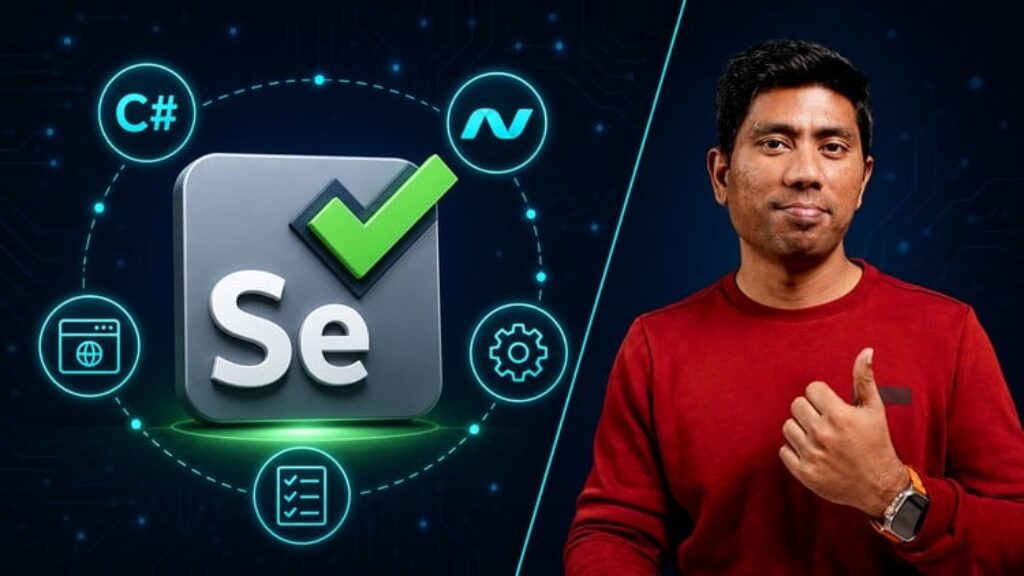
Welcome to the course “Selenium with C# .NET for Beginners”. This course is built with C# 12 and .NET 8 using Visual Studio 2022 in Windows 11 Operation System. This course is created and updated in 2024, hence all the latest and greatest features of Selenium, C# syntax and features will be covered as part of the course.
Following topics are covered in this course
-
Selenium Basics and Architecture: Get to know the fundamentals and how Selenium is put together.
-
Working with Locators: Learn how to interact with different parts of a webpage using various locator tools.
-
Page Object Model: Understand a smart way to organize your Selenium code for easy maintenance.
-
Assertions in Selenium: Find out how to check if your web application is doing what it’s supposed to with assertion libraries like NUnit Assert and FluentAssertions
-
Creating Custom Controls: Explore creating custom controls to better handle tricky web elements. Using C# Extension methods will improve the way we write custom methods in more powerful fashion.
-
Data-Driven Testing: Use data-driven testing to cover a bunch of different scenarios.
-
Wait Mechanism: Understand Implicit wait and Explicit waiting in Selenium
-
Cross-Browser: Understand Cross browser testing to work with different browsers
-
Selenium grid: Working with distributed test with Selenium
-
Reporting: Generate Test report for the complete test execution
-
CI/CD: Understand the way to Continuously Integration and Deploy the Test code
Moreover, this course ensures adaptability across operating systems. While the code is written in a Windows environment, it seamlessly executes on Linux and Mac systems, thanks to the cross-platform capabilities of the latest .NET 8.
Join me this course and hope at the end of this course, you will have a solid understanding of the basics of Selenium from the ground up with all details required for you to embark for advanced testing of application with Selenium.