“This course contains the use of artificial intelligence.”
Artificial Intelligence Disclosure
This course contains the use of artificial intelligence.
Artificial intelligence tools were used during the production of certain course materials. All instructional content, demonstrations, training methods, software instruction, and educational materials were reviewed, edited, and approved by the instructor.
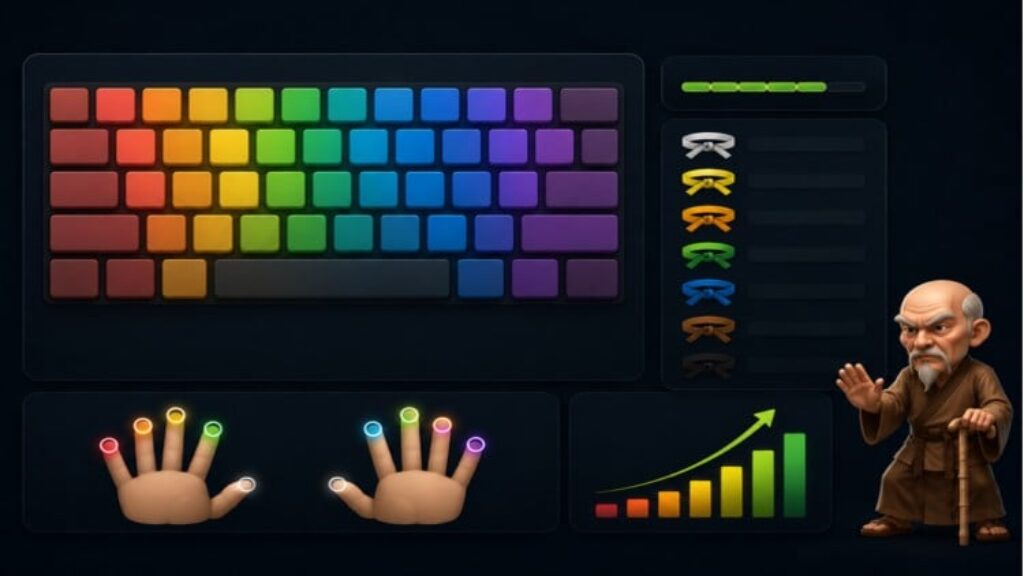
This course includes free access to Foundation Typer, a Windows-based touch typing trainer designed to help students build proper typing habits, improve accuracy, and develop speed through structured practice.
A Free Touch Typing Course with Included Training Software
Learn proper touch typing through guided lessons, demonstrations, and hands-on practice using Foundation Typer.
This free course combines instructional videos with interactive training software to help students build typing accuracy, confidence, and speed.
Whether you’re a beginner learning touch typing for the first time or an experienced typist looking to improve efficiency, this course provides a structured path toward better keyboard skills.
Included Free
Video Lessons
Learn:
• Home row positioning
• Finger placement
• Typing posture
• Accuracy development
• Speed-building methods
• Common mistakes and corrections
Foundation Typer Software
Included training software featuring:
• Guided lessons
• Finger-specific drills
• Weakness detection
• Problematic key training
• Graduation challenges
• Belt progression system
• Real-time WPM tracking
• Real-time accuracy tracking
Additional Learning Resources
• Reading-speed improvement resources
• Recommended practice methods
• Typing development strategies
Instructor Demonstration
Includes a demonstration of advanced typing performance and discussion of the training methods used to develop high-speed typing skills.
Who Is This For?
• Beginners
• Students
• Office workers
• Writers
• Programmers
• Competitive typists
• Gamers
No previous experience required.
Course Philosophy
Before speed comes control.
Before mastery comes discipline.
A strong typing foundation creates lasting speed, accuracy, and confidence.
This course focuses on developing those foundations through structured practice and measurable improvement.
Download the course, install Foundation Typer, and begin training today.
“this course contains promotional materials”