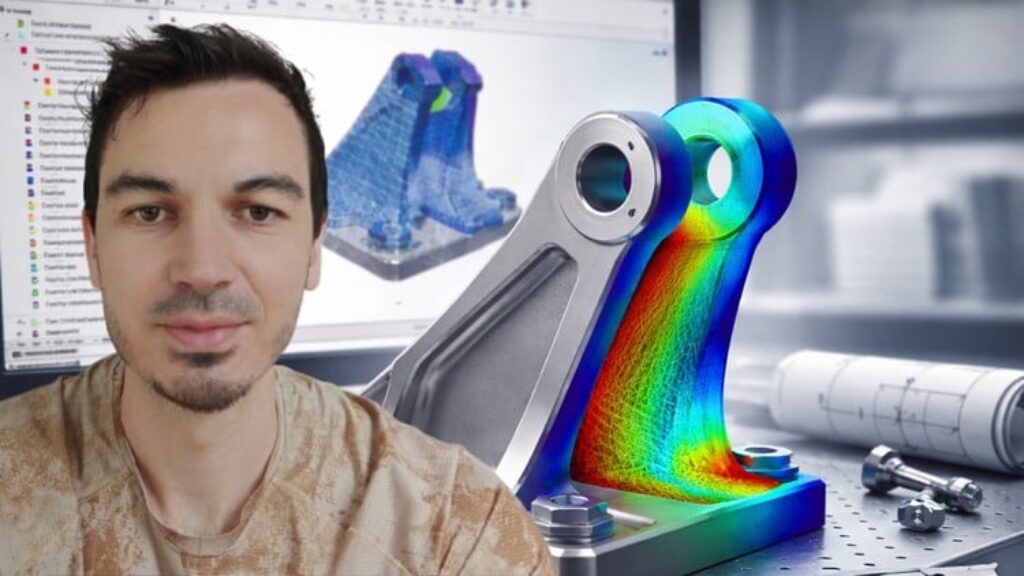
Finite Element Analysis (FEA) can feel intimidating at first — unfamiliar terms, complex settings, and confusing results.
This beginner-focused course is designed to introduce you to SOLIDWORKS Simulation in a simple, practical, and approachable way, without unnecessary theory or advanced topics.
You’ll learn the fundamentals of static analysis by working with a single solid body, step by step, so you understand not just how to run a simulation, but what the results actually mean.
This course is an introduction, not advanced training.
Its goal is to help you feel confident using SOLIDWORKS FEA for basic static studies.
What You’ll Learn
In this course, you’ll learn how to:
-
Understand what static analysis is and when it should be used
-
Set up a basic static study in SOLIDWORKS Simulation
-
Apply materials, fixtures, and loads correctly
-
Generate a mesh and understand what it represents
-
Run a static simulation on a solid body
-
Interpret key results such as stress, displacement, and factor of safety
-
Identify common beginner mistakes and how to avoid them
Everything is explained in plain language, with a focus on practical understanding rather than theory.
This course focuses only on the basics of static analysis.
It is designed for:
-
Beginners to FEA
-
SOLIDWORKS users who want to understand simulation fundamentals
-
Students and engineers starting with analysis
Why Learn From Me?
-
Master’s degree in Mechanical Engineering
-
SOLIDWORKS Certified Professional
-
5+ years of real-world engineering experience
-
48,000+ students across multiple engineering courses
-
Average instructor rating: 4.5 / 5
I’ve helped thousands of students understand SOLIDWORKS clearly and confidently — without overwhelm.
By the End of This Course, You Will:
-
Run your first static FEA study in SOLIDWORKS
-
Understand how loads, fixtures, and materials affect results
-
Read and interpret basic simulation plots correctly
-
Know the limits of beginner-level static analysis
-
Feel confident taking the next step into more advanced simulation topics
If you’re new to SOLIDWORKS FEA and want a clear, beginner-friendly introduction to static analysis, this course gives you the perfect starting point.