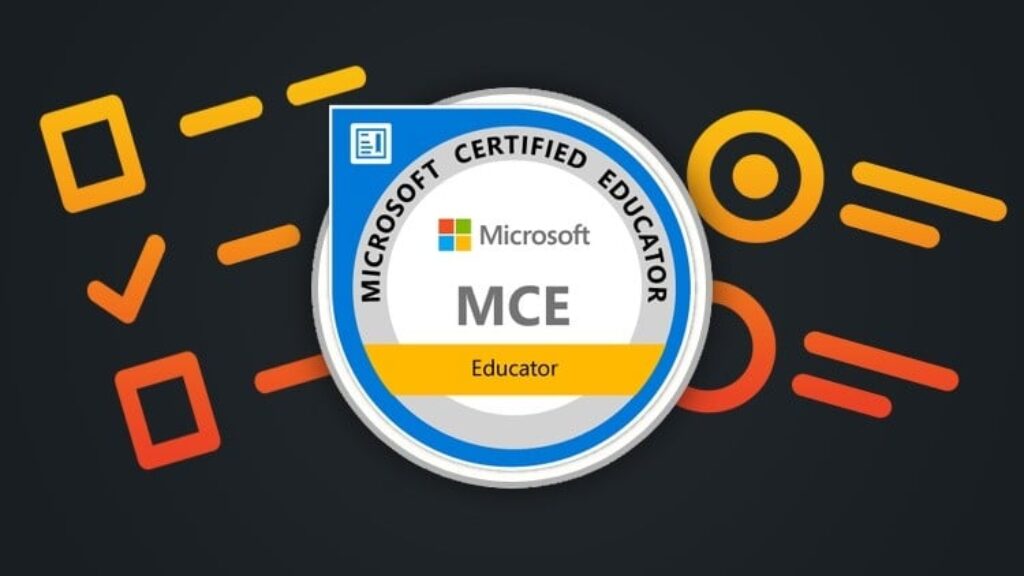
Prepare for the MCE: Microsoft Certified Educator certification with this practice test course designed to help educators and certification candidates review essential concepts in educational technology and technology literacy.
The Microsoft Certified Educator certification focuses on the knowledge and skills educators need to integrate technology into teaching and learning. Key areas include facilitating student collaboration, supporting real-world problem-solving, and using information and communication technology (ICT) to create meaningful, customized learning experiences.
What Will You Learn?
-
Understand the Microsoft Certified Educator framework and its focus on technology literacy in education.
-
Explore strategies for integrating ICT into teaching and learning activities.
-
Identify ways to encourage student collaboration, communication, and active participation through technology.
-
Understand how technology can support real-world problem-solving and critical thinking.
-
Review approaches to creating customized, student-centered learning experiences.
-
Evaluate your knowledge through practice questions and detailed answer explanations.
-
Identify knowledge gaps and focus your revision on areas that need improvement.
-
Develop exam preparation and time-management strategies for working through certification-style questions.
What Does This Course Include?
-
6 Practice Exams: Use six practice exams to review concepts and assess your understanding of MCE-related topics.
-
Detailed Answer Explanations: Learn why the correct answer is appropriate and understand the reasoning behind each question.
-
Knowledge Assessment: Identify strengths and areas that may require further study.
-
Concept-Based Revision: Reinforce your understanding of educational technology, ICT integration, collaboration, and problem-solving.
-
Flexible Preparation: Study at your own pace and revisit challenging questions when needed.
-
Beginner-Friendly Learning: Build familiarity with the subject even if you are new to Microsoft certification preparation.
Who Should Enroll?
This course is suitable for teachers, classroom educators, aspiring educators, instructional designers, educational technology enthusiasts, teacher trainers, and professionals preparing for the Microsoft Certified Educator certification assessment.
A basic familiarity with computers and digital learning tools may be helpful, but no previous Microsoft certification is required to begin.
How Will the Practice Exams Help?
The six practice exams provide opportunities to apply your knowledge, evaluate your understanding, and become familiar with multiple-choice assessment questions. Detailed explanations help you review the reasoning behind answers, recognize misconceptions, and decide which topics to study further.
The exam overview provided lists 42 questions, a 60-minute duration, and a passing score of 700 out of 1000. Use these details as a reference when planning your preparation, and verify current exam information through official Microsoft resources before scheduling an assessment.
Start preparing today by reviewing the concepts, attempting practice questions, and using the explanations to strengthen your understanding of technology-enhanced education.
Disclaimer: This is an independent practice test course and is not an official Microsoft course. It does not guarantee certification or exam success.

![[NEW] FE Exam – Exam Preparation 2026](https://courses.impodays.com/wp-content/uploads/2026/10/7392077_066d-100x56.jpg)
![[NEW] Microsoft Certified Educator – Exam Preparation 2026](https://courses.impodays.com/wp-content/uploads/2026/10/7392057_f00b-100x56.jpg)
![[NEW] Linux Essentials Certificate- Exam Preparation 2026](https://courses.impodays.com/wp-content/uploads/2026/10/7392037_d7ca-100x56.jpg)

![[NEW] CompTIA Tech+ Certification – Exam Preparation 2026](https://courses.impodays.com/wp-content/uploads/2026/10/7391995_7037-100x56.jpg)
![[NEW] GitHub Foundations – Exam Preparation 2026](https://courses.impodays.com/wp-content/uploads/2026/10/7391977_9c81_2-100x56.jpg)