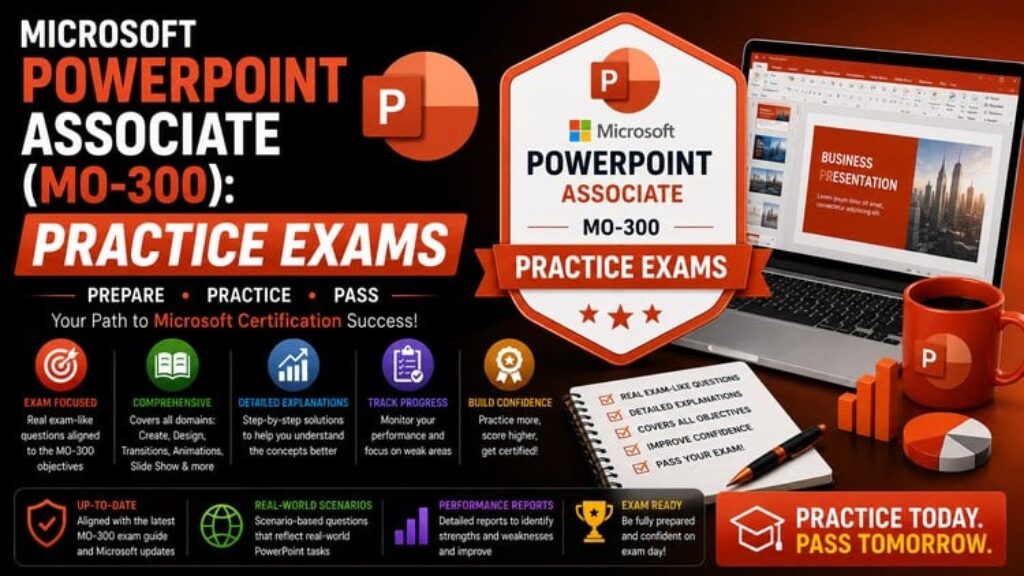
Please Note: This is a Practice Test-only course. It contains comprehensive multiple-choice assessments and detailed explanations to test your knowledge. There are no video lectures included.
Are you preparing to take the official Microsoft PowerPoint Associate (MO-300) exam? In the professional world, a presentation is often the key to pitching an idea, reporting data, or training a team. This certification proves you can do far more than just put text on a slide; it validates your ability to manage presentation environments, build custom layouts, and apply clean animations and transitions.
This course provides a robust bank of 200 high-quality practice questions designed to mirror the difficulty, format, and task-based logic of the real MO-300 exam.
Instead of passive studying, these mock exams force you to actively engage with the core exam domains:
-
Manage Presentations (Templates, Slide Masters, Handouts)
-
Insert and Format Slides (Layouts, Sections)
-
Insert and Format Text, Shapes, and Images
-
Apply Transitions and Animations
-
Merge Content from Multiple Presentations
Every single question includes a detailed, step-by-step explanation detailing exactly why the correct approach is the most efficient method, and why the “distractor” options represent incorrect configurations. By the end of these exams, you will be prepared to handle real-world presentation design challenges with precision.
Basic info
-
Course locale: English (India)
-
Course instructional level: Intermediate
-
Course category: Office Productivity
-
Course subcategory: Microsoft Office
-
What is primarily taught in your course? (Topic): Microsoft PowerPoint / MO-300