This course contains the use of artificial intelligence.
Almost every office runs on the same three things: an inbox, a diary and a lot of meetings. Very few people are ever taught how to run them well.
Does your inbox run your day? Are you always fixing diary clashes? Do you write minutes that nobody reads, or worry about sending the wrong email to the wrong people? Or are you curious about AI, but nervous about getting it wrong?
You’re not alone. Most office administrators and PAs learn the job one workaround at a time. Now AI sits inside Outlook, Word and Excel, and the people who know how to use it safely are pulling ahead.
This course makes you the person every executive relies on, from your first inbox to a full day of decisions under pressure. You’ll learn the core skills of an executive assistant and office administrator: email management, diary management, meetings and minutes, documents, travel and events. Then you’ll add Microsoft 365 Copilot and AI the safe way: AI drafts, you check.
By the end, you’ll have your own PA Desk Manual, a Prompt Vault of 100 ready-to-use prompts and a portfolio of real work you can show at an interview.
In this course, you will:
-
Clear and manage an executive’s inbox with email triage, Outlook rules and action-first writing
-
Write emails, replies and apologies in your executive’s voice, in plain English
-
Use Copilot and AI safely: write clear prompts, check every fact and know what data never goes in
-
Manage a busy diary in Outlook: fix clashes, protect thinking time and book across time zones
-
Run meetings from agenda to minutes, with action logs people follow
-
Format business documents and reports in Word, and plan business travel with checked itineraries
-
Organise events, quotes and budgets with Excel trackers and RSVP forms
-
Handle difficult callers, protect confidential information and keep your head in a crisis
Why executive assistant skills and AI together?
Executives don’t want more emails. They want confidence that things will happen without chasing. AI can draft in seconds, but only someone who understands the job can brief it well, spot the one wrong date and protect confidential information. That combination is what employers now look for in an executive assistant, personal assistant or office administrator.
How it’s taught: real software, real scenarios
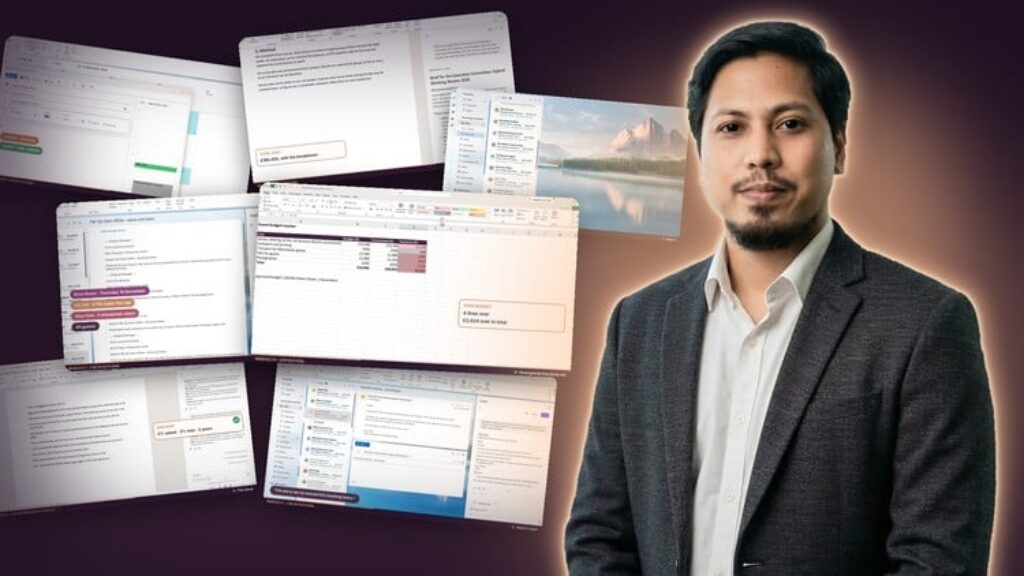
You follow a working week at a fictional company, Wrenfield Partners, as PA to its managing director. Almost every section is a live demonstration in Outlook, Word, Excel and Copilot, so you can follow along click by click. After each one, a Your Turn task has you do the same on practice files, then check your work against a filled example.
Every section adds a page to your PA Desk Manual and a card to your Prompt Vault. You keep them for your real job.
What’s inside
-
14 sections of focused video, each with English captions
-
The PA Desk Manual: a template and a filled example for every section
-
The PA Prompt Vault: 100 ready-to-use prompts for your week
-
Practice files: 37 practice emails, a practice diary, meeting transcript, report and event quotes
-
Quizzes, a role play with a persistent caller and two full practice tests
Course outline
-
Foundations: what a modern executive assistant really does, and how to use AI safely before you touch a tool
-
Core craft: inbox management, business writing, confidentiality, diary management, meetings and documents
-
Running the show: travel arrangements, event planning, budgets and protecting your executive’s time
-
The real thing: a full day in the chair, then your own executive week and 30 day plan
Ready to start?
Click Enrol now and I’ll see you in the first lesson.