About this practice-test course
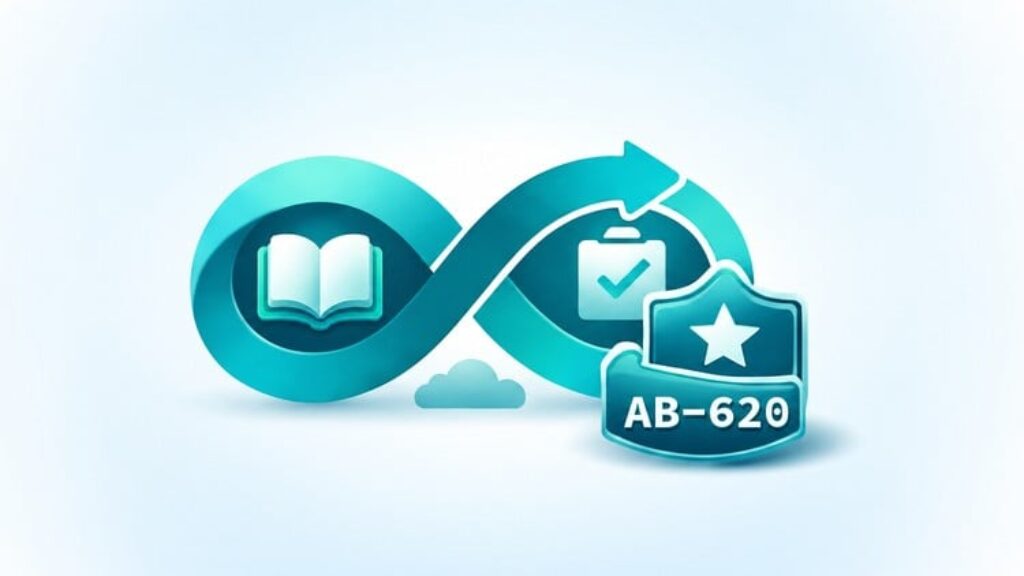
Learn the knowledge behind AB-620 one question at a time. This Learning Loop course starts with the ideas you need to understand Copilot Studio agents, then builds toward enterprise integrations, connected agents, evaluation and deployment. You can begin without previous Copilot Studio experience.
What you will practice
-
6 ordered learning chapters with 612 questions in total, ranging from 101 to 103 questions per chapter.
-
A progression from agent basics and supporting concepts to integration and lifecycle decisions.
-
Explanations for the correct answers and the other choices.
-
Official reference links with short bullets describing what you can learn from each page.
-
Untimed study with immediate answer feedback in Practice Mode.
-
Questions grouped by subtopic with a fixed order from simple ideas to more demanding applications.
You can learn from the explanations without opening the reference links. Each lesson explains the idea, its practical use and the differences between the choices. The links offer optional further reading.
The chapters follow subtopics and prerequisites rather than exam weightings. They are not balanced, mixed-domain mock exams. For timed, mixed-topic practice, the separate Exam Loop course is called “AB-620 Practice Tests: Copilot Studio Agents [Exam Loop]” by Academmia Dev. Find it on Udemy by searching for “AB-620 Exam Loop”.
How it works
Work through Chapters 1 to 6 in order. Questions stay grouped by subtopic, and each group moves from basic ideas to practical decisions. Use Practice Mode for untimed study with immediate answer feedback.
Answer a question before checking it. If you know the answer and can explain why it fits, move on. If the idea is new or your answer was a guess, read the lesson and compare the choices. Each reference link has short bullets explaining what you can learn from the page.
Pause for a small practical exercise where useful, then continue to the next question. Return to uncertain topics before moving into a chapter that depends on them. You choose what to revisit; the course follows a fixed learning sequence.
Study instructions
Choose Practice Mode and start with Chapter 1. Immediate feedback lets you learn each concept before the next question builds on it. Keep the supplied order and study a manageable group of questions in each sitting. You do not need to finish a whole chapter at once.
Read the lesson for any answer you guessed or cannot explain. Use the bullets beside each official reference to choose a useful next page. Try a small example in Copilot Studio when you have the required access, then return to the sequence.
Revisit difficult subtopics after a break. Learning Loop scores reflect these learning chapters and do not predict a certification result.
Important notes
-
These are original practice questions, not real exam questions. The chapters teach topics in order and do not simulate the certification exam.
-
This course is not affiliated with or endorsed by Microsoft.
-
Use Microsoft Learn, the current AB-620 study guide and hands-on practice alongside the course.
-
Completion and chapter scores do not guarantee passing AB-620. This course does not include a certificate of completion.
-
Product capabilities and exam objectives can change. Some hands-on activities need suitable accounts, permissions, environments or licensing.