Advertisements

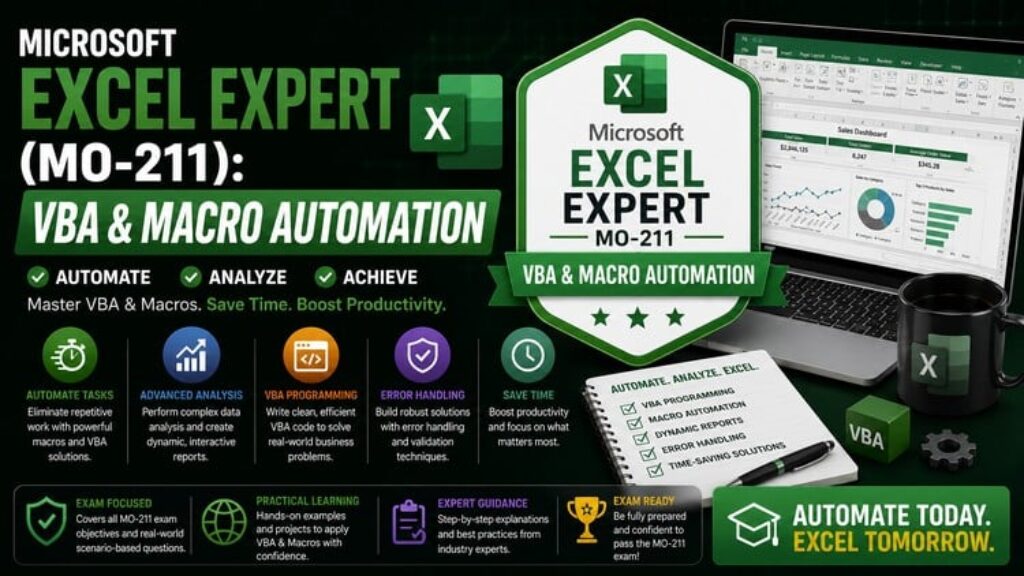
Microsoft Excel Expert (MO-211): VBA & Macro Automation

Advertisements
Validate your VBA programming, custom user functions, dynamic arrays, and financial modeling skills with 200+ mock quest
1
1/5
(44) Ratings
74 students
Created by Himanshu Kaushik
Advertisements

What you'll learn

  • Test your technical readiness for the official Microsoft Excel Expert (MO-211) certification exam.
  • Identify specific knowledge gaps in VBA code construction, error trapping, and array functions.
  • Practice time management by taking full-length, scenario-based mock exams under pressure.
  • Learn from your mistakes through in-depth, technical explanations for every single question.
This course includes:
200 questions on-demand video
0 articles
0 downloadable resources
0 lessons
Full lifetime access
Access on mobile and TV
Certificate of completion
Advertisements

Course content

Requirements

  • Students should possess sound familiarity with basic logic formulas like IF, VLOOKUP, and basic filtering. This course is built strictly as an elite preparation tool to assess advanced programming, optimization, and macro automation properties before testing officially with Microsoft.

Description

Please Note: This is a Practice Test-only course. It contains comprehensive multiple-choice assessments and detailed explanations to test your knowledge. There are no video lectures included.

Are you looking to pass the official Microsoft Excel Expert (MO-211) certification and master background sheet programming? True automation inside Excel requires moving past basic menus and entering the Developer workspace. This advanced practice testing suite challenges your ability to write clean macros, handle real-time errors, engineer custom functions, and construct resilient financial model simulations.

This course features 200 comprehensive, scenario-based questions built specifically to replicate the rigorous testing domains of the official Expert track:

  1. Managing Workbook Options, Settings, and Custom Formats

  2. Engineering Advanced Formulas (Dynamic Arrays, Lambda, and XLOOKUP Nesting)

  3. Programming VBA Macros, Subroutines, and Event Triggers

  4. Creating Advanced Charts, Pivot Tables, and What-If Analysis Models

Every item is paired with an in-depth technical explanation detailing why the programmatic structure operates correctly, along with step-by-step guidance mapping where logic and settings options sit inside the Excel system.

Basic info

  • Course locale: English (India)

  • Course instructional level: Advanced / Expert

  • Course category: Office Productivity

  • Course subcategory: Microsoft Excel

  • What is primarily taught in your course? (Topic): Excel VBA / Macro Automation

Validate your VBA programming, custom user functions, dynamic arrays, and financial modeling skills with 200+ mock quest


Who this course is for:

  • This course is engineered specifically for Financial Modelers, Business Intelligence Engineers, and Advanced Analysts who intend to certify via the MO-211 track. If you want to evaluate your background programming limits and structural engineering formulas through professional simulation, this course is for you.
Advertisements
931F5306E46105E7BA40
Advertisements
Advertisements
Free Online Courses with Certificates
Logo
Register New Account