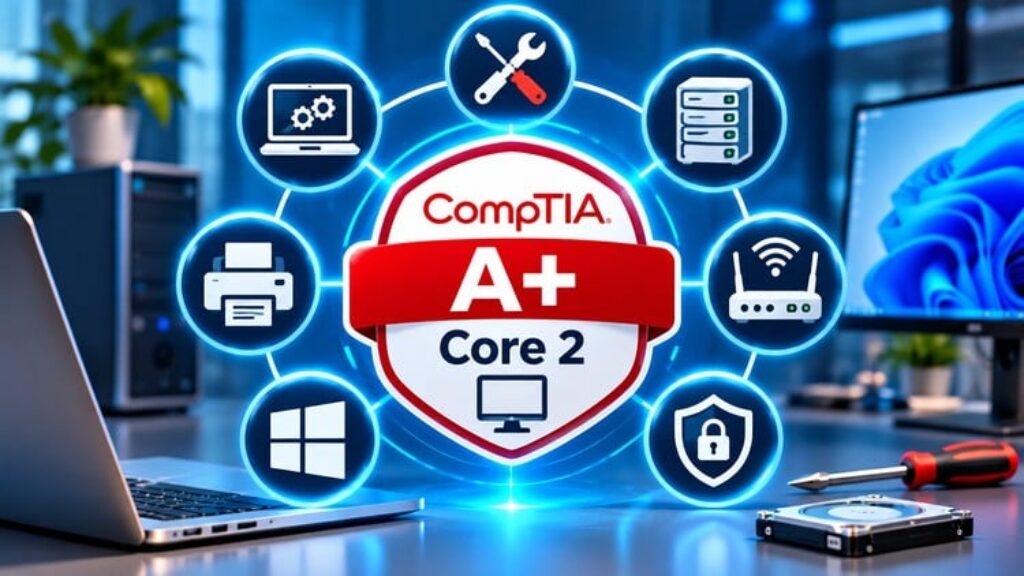
CompTIA A+ Core 2 (220-1202) Practice Tests
Prepare for the CompTIA A+ Core 2 (220-1202) exam with comprehensive practice tests designed to strengthen your IT support knowledge, improve your troubleshooting abilities, and develop the practical skills needed for modern IT support environments.
Whether you are preparing for your first CompTIA A+ certification attempt or looking to reinforce your technical knowledge, this course provides a structured learning experience with realistic scenarios, challenging practice questions, and detailed explanations.
Why Take This Course?
Understanding IT concepts is important, but knowing how to apply them in practical situations is equally essential. This CompTIA A+ Core 2 exam preparation course helps you evaluate your knowledge, identify areas that need improvement, and develop confidence when working with operating systems, security, and software troubleshooting.
Every question includes a detailed explanation to help you understand the correct answer and why the alternative options are less appropriate.
What’s Inside This Course?
The practice material covers the major CompTIA A+ Core 2 examination domains:
Operating Systems
-
Windows installation, configuration, and administration.
-
Windows management tools and command-line utilities.
-
Linux and macOS fundamentals.
-
Application installation and operating system management.
-
Cloud-based productivity applications.
Security
-
Security principles, authentication, and access controls.
-
Windows security configuration and permissions.
-
Malware identification, prevention, and response.
-
Wireless network and browser security.
-
Mobile device and workstation protection.
Software Troubleshooting
-
Diagnosing Windows operating system problems.
-
Resolving application and software compatibility issues.
-
Identifying mobile operating system problems.
-
Investigating security-related software issues.
-
Applying structured troubleshooting techniques.
Operational Procedures
-
IT documentation and change management.
-
Backup, recovery, and disaster preparedness.
-
Workplace safety and environmental procedures.
-
Privacy, licensing, and professional responsibilities.
-
Communication, scripting, and remote support.
Learn Through Detailed Explanations
This course goes beyond simply selecting answers. Each question is accompanied by an explanation designed to reinforce technical understanding, clarify important concepts, and help you recognize common troubleshooting scenarios.
Use the feedback to identify knowledge gaps, revisit challenging topics, and strengthen your understanding of the exam objectives.
Who Should Take This Course?
-
Students preparing for the CompTIA A+ Core 2 (220-1202) examination.
-
Aspiring IT support specialists and help desk technicians.
-
Desktop support and technical support professionals.
-
Individuals pursuing an entry-level IT career.
-
IT professionals seeking to validate and strengthen their technical knowledge.
-
Candidates who want additional practice before retaking their examination.
Start Preparing Today
Strengthen your IT knowledge, practice realistic technical scenarios, and build a solid foundation across the CompTIA A+ Core 2 domains.
Enroll today and take a structured approach to your certification preparation. Enjoy convenient learning through Udemy, with lifetime access to your enrolled course subject to Udemy’s applicable terms. Learning materials are intended to receive regular updates to maintain their relevance.
DISCLAIMER: This course is an independent and unofficial study resource. It is not affiliated with, endorsed by, or sponsored by CompTIA, Inc. All trademarks belong to their respective owners and are used solely to identify the relevant examination. All practice questions are original educational materials and are not actual examination questions.