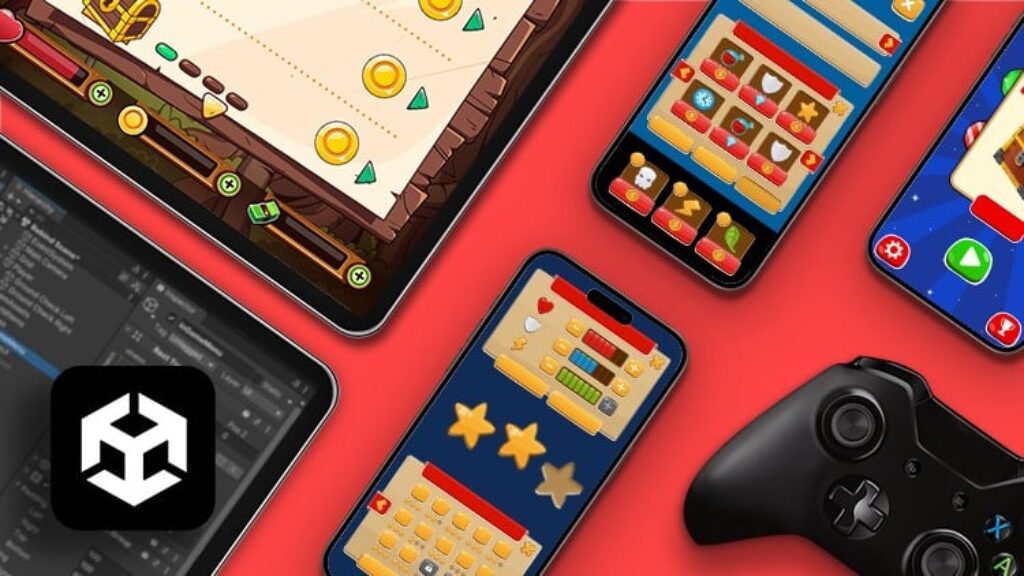
Welcome to the Unity UI System course — your guide to creating ADVANCED and professional interfaces from scratch for your games.
This is a complete, real-case-based guide that teaches you how to design and adapt your game UI once and for all across all platforms in a professional way.
Creating UI can be the most complex part of your project if you don’t understand all elements or how to access them through code. You’ll waste precious time browsing documentation or videos trying to fix every small issue.
And even if you manage that, adapting your UI to different platforms becomes a nightmare — sometimes forcing you to duplicate projects just to make minor changes.
This is not a viable path if you want to work in professional game studios or position yourself as a serious game developer.
UI is not just for the main menu — you’ll use it for gameplay HUDs, inventories, level selectors, and settings screens. If you don’t connect all these properly, your project will become harder and harder to manage, and you’ll stop building actual gameplay features.
That’s why we built this course — to help you master the Unity UI System step by step with real use cases you can implement directly in your own games.
We teach you how to access every UI element via code, mastering the full class and its features at an advanced level. You’ll have no limits when applying this to your games.
You’ll also learn all C# interfaces of the Event System, so you can connect UI elements programmatically for high-performance and smooth gameplay.
You’ll build a full-featured RPG-style inventory system from scratch, applying everything in a real-world scenario.
You’ll master custom fonts to tailor your game’s look & feel and enhance your project’s visual quality.
We’ll also build a complete settings screen with control rebinding, integrating with the new Input System to give players total control over their experience.
You can preview the course intro video before enrolling to explore the full curriculum and see how everything you learn will apply directly to your career and your games.
Your purchase is 100% guaranteed — if you’re not satisfied, you can request a full refund within 30 days, no questions asked.
If you have any questions, feel free to reach out to me via private message — I’ll personally help you to make sure your investment pays off in your journey to becoming a professional game developer.
See you inside the course!