Advertisements

The Complete Excel Data Analysis Bootcamp: From Zero to Hero

Advertisements
Excel course covering beginner to advanced data analysis — PivotTables, charts, dashboards & more. No experience needed
5
5/5
(2) Ratings
34 students
Created by Lasisi Akeem
Advertisements

What you'll learn

  • Navigate Microsoft Excel like a pro, understanding key components of the interface and mastering efficient data entry.
  • Import data from the web and other sources directly into Excel for analysis and reporting.
  • Clean and format messy datasets using tools like Flash Fill, Conditional Formatting, and Data Validation to ensure accuracy and consistency.
  • Write and apply essential Excel formulas and functions—both basic and advanced—to perform complex calculations with ease.
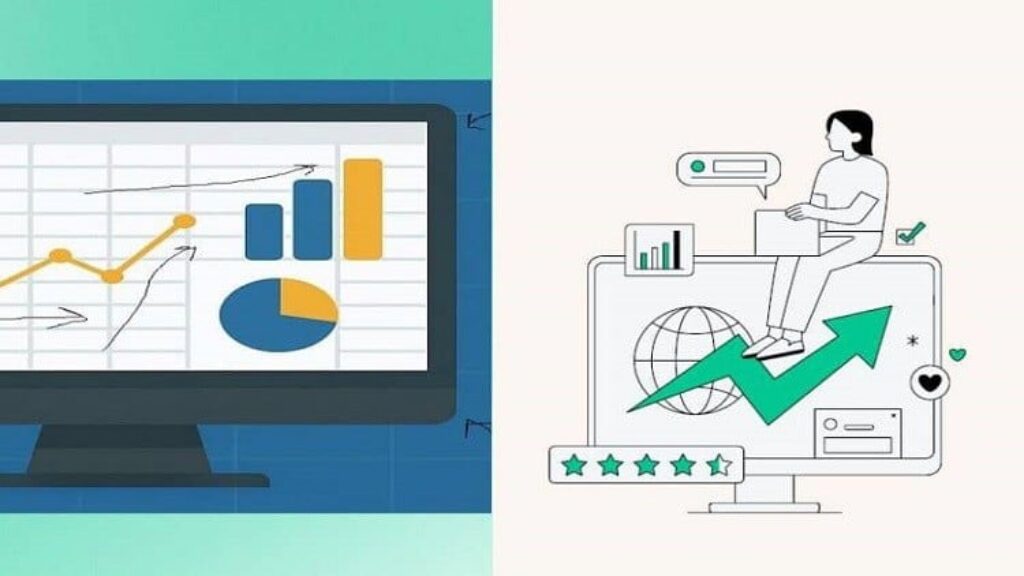
  • Create professional charts and graphs, including XY charts and histograms, to visualize trends and make your data speak.
  • Sort, filter, and summarize large datasets to uncover insights quickly using Excel’s built-in tools.
  • Build and customize PivotTables and use slicers and timelines to create interactive data summaries.
  • Perform statistical analysis in Excel, including calculating descriptive statistics, correlations, and frequency distributions.
  • Use What-If Analysis tools to forecast outcomes and make data-driven decisions.
  • Troubleshoot and fix common Excel errors, boosting your accuracy and confidence in working with large data sets.
This course includes:
12 total hours on-demand video
0 articles
16 downloadable resources
39 lessons
Full lifetime access
Access on mobile and TV
Certificate of completion
Advertisements

Course content

Requirements

  • Basic Computer Skills
  • Access to Microsoft Excel
  • A Reliable Internet Connection
  • Willingness to Learn by Doing
  • A PC or Mac with Excel Installed
  • Optional: A Notebook or Digital Notes App

Description

The Complete Excel Data Analysis Bootcamp 2025: From Zero to Hero in Practical Analytics

Master Excel. Analyze Data. Boost Your Career.

No more Excel confusion or YouTube rabbit holes. This all-in-one, hands-on bootcamp will take you from complete beginner to confident Excel data analyst — step by step.

Whether you’re a student, business owner, aspiring analyst, or professional looking to level up — this course gives you the tools, skills, and confidence to handle real-world data analysis tasks with ease.

What You’ll Learn

Excel formulas & functions that make data easy
PivotTables, charts, and dashboards that impress
How to clean, analyze, and visualize data like a pro
Time-saving tools: conditional formatting, filters, lookup functions
Real-world business scenarios with guided practice
Essential tools for roles in business, finance, operations, marketing & more

Why This Course Is Different

Practical, Project-Based Learning
No boring theory. You’ll build real spreadsheets, solve real problems, and work with real data.

Zero to Hero Format
Start from scratch — even if you’ve never opened Excel before.

Updated for 2025
Covers the latest Excel features, tools, and best practices.

Clear, Friendly Teaching
Taught by experts who know how to make complex topics simple.

This Course is For:

  • Absolute beginners with no prior Excel experience

  • Job seekers or students preparing for roles in business or analytics

  • Professionals who want to automate reports and make smarter decisions

  • Freelancers and entrepreneurs looking to work smarter, not harder

  • Anyone who wants to finally “get” Excel — and actually enjoy it

What’s Included:

  • 10+ hours of video lessons

  • Downloadable files and real datasets

  • Projects, quizzes, and hands-on exercises

  • Certificate of completion

  • Lifetime access

Ready to Get Started?

Don’t wait to level up your Excel skills.
Join thousands of learners taking control of their data — and their careers.

Enroll now and become the Excel go-to person on any team.

Who this course is for:

  • …this course is designed for you. If you’ve ever opened Excel and felt overwhelmed, or if you’ve been copying and pasting data manually for too long—this course will change the way you work with data. Step-by-step, practical, and easy to follow, it’s your shortcut to becoming confident and capable in Excel.
  • A student looking to improve your data handling skills for assignments and research
  • A recent graduate preparing for data-driven roles or internships
  • A career switcher entering business, finance, marketing, or tech
  • An office professional who wants to make sense of data and impress with dashboards and reports
  • A small business owner or entrepreneur needing to manage and analyze business data more effectively
  • Or just someone who’s curious about working with data and wants a structured, hands-on path to Excel mastery
Advertisements
EXCELAPRILOFFER
Advertisements
Advertisements
Free Online Courses with Certificates
Logo
Register New Account