This course contains the use of artificial intelligence.
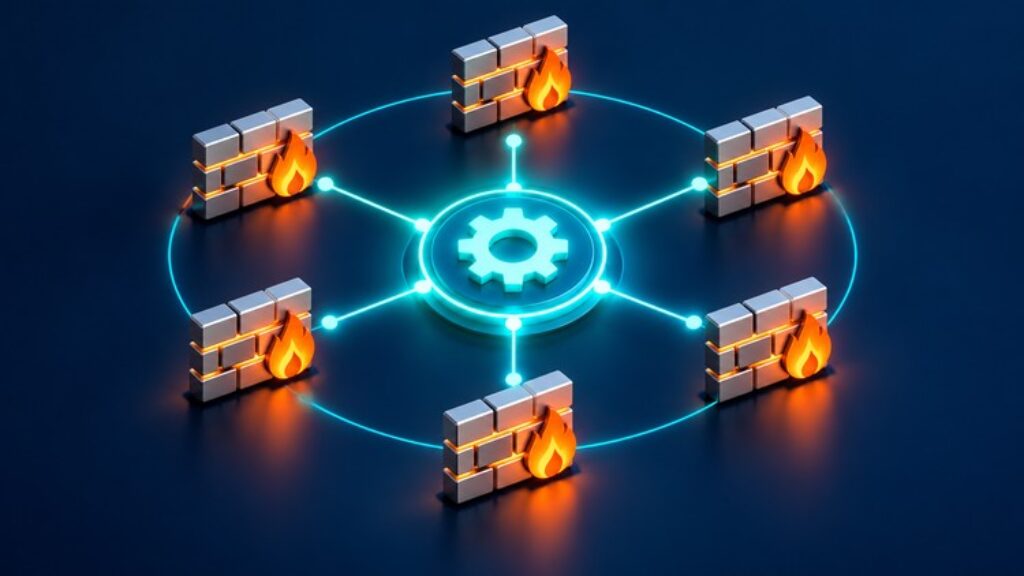
Are you still pushing firewall policy changes manually, one rule at a time, across Palo Alto and FortiGate devices?
If you manage enterprise firewalls, you know the pain: hundreds of change tickets, repetitive object creation, inconsistent naming, and the constant risk of overwriting an existing rule by mistake. This course teaches you how to eliminate that manual workload using BloxDyne, a firewall automation platform built specifically for Palo Alto (Panorama, PAN-OS) and Fortinet (FortiGate, FortiManager) environments.
In this course, you’ll learn how to:
Connect Palo Alto, Panorama, FortiGate, and FortiManager devices to BloxDyne via API
Map network subnets, zones,IP addresses and VDOMs/vsys correctly during device setup
Build Excel-based firewall policy templates — from a handful of test rules to 200+ line bulk deployments
Push policies across multiple devices in parallel, with automatic object deduplication and rule merging
Diagnose and fix common push failures: API key mismatches, unreachable devices, missing threat profiles, and object errors
Save and retrieve device configurations for reuse across deployments
Safely roll back firewall changes when something goes wrong
This course is built for network and security engineers who already manage Palo Alto and/or Fortinet firewalls in production and want to automate the repetitive parts of their workflow.