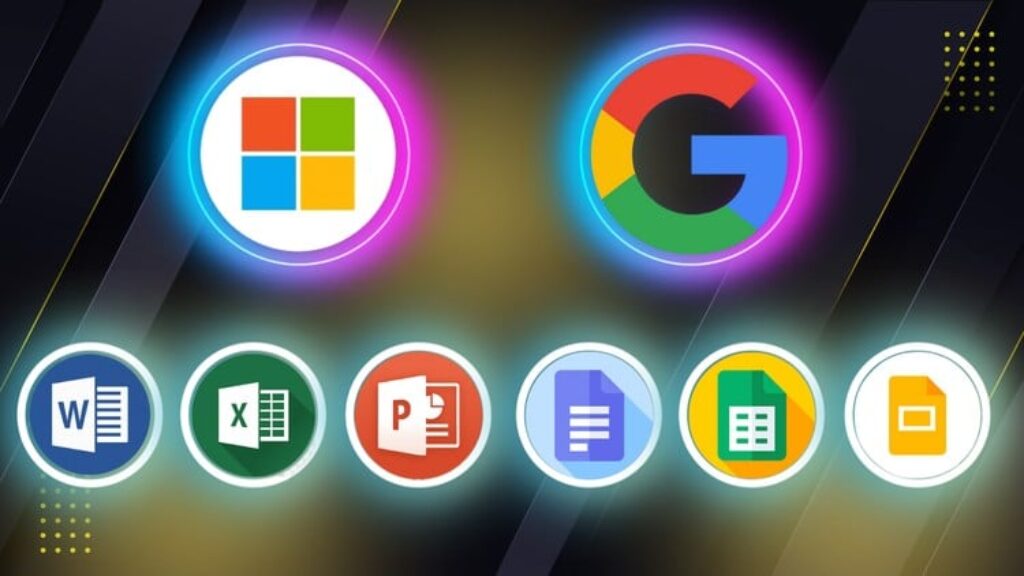
Microsoft Word, Excel, PowerPoint and Google Docs, Sheets, Slides — master the essential digital tools used in modern workplaces, schools, and remote environments with this all-in-one course designed for beginners, professionals, students, and job seekers.
In today’s competitive world, being proficient in both Microsoft Office and Google Workspace is more than a helpful skill — it’s a necessity. This course gives you practical, hands-on training in creating professional documents, organized spreadsheets, and engaging presentations using both platforms.
Whether you’re starting from scratch or looking to improve your existing skills, this course will help you become confident and efficient in handling everyday office tasks.
What You’ll Learn
-
How to create, format, and edit documents in Microsoft Word and Google Docs
-
How to use spreadsheets, formulas, and charts in Microsoft Excel and Google Sheets
-
How to design professional presentations in Microsoft PowerPoint and Google Slides
-
Key similarities and differences between Microsoft Office and Google Workspace
-
How to collaborate in real-time using Google’s cloud-based tools
-
Tips for boosting productivity, organizing your work, and sharing files securely
Who This Course Is For
-
Anyone who wants to work smarter and more efficiently using today’s top office tools
Tools Covered
-
Microsoft Word, Excel, PowerPoint
-
Google Docs, Sheets, Slides
No Prior Experience Needed. This course is beginner-friendly and guides you through each tool with clear explanations, real-world examples, and downloadable practice files. You’ll gain practical skills that you can apply immediately in school, the workplace, or your personal projects.
By the end of the course, you’ll be confident using both Microsoft Office and Google Workspace — and ready to handle any office task with ease.



![[NEW] GitHub Actions- Exam Preparation 2026](https://courses.impodays.com/wp-content/uploads/2026/10/7392399_8244-100x56.jpg)