Advertisements

Microsoft Excel Masterclass: Beginner to Advanced Excel 2026

Advertisements
Master Excel Formulas, Functions, Pivot Tables, Power Query, and Charts to Analyze Data Like a Pro
4
4/5
(1) Ratings
318 students
Created by Uday Academy
Advertisements

What you'll learn

  • Introduction to Data Analytics
  • Excel Introduction
  • AutoFill and AutoComplete
  • Flash Fill in Excel
  • Text Formatting
  • Number Formatting – Part 1
  • Number Formatting – Part 2
  • Date and Time Formatting
  • Introduction to Formulas
  • Math Functions – Part 1
  • Math Functions – Part 2
  • Statistical Functions – Part 1
  • Statistical Functions – Part 2
  • Statistical Functions – Part 3
  • Statistical Functions – Part 4
  • Text Functions – Part 1
  • Text Functions – Part 2
  • Text Functions – Part 3
  • Logical Functions – Part 1
  • Logical Functions – Part 2
  • Date Functions
  • Lookup Functions – Part 1
  • Lookup Functions – Part 2
  • Pivot Tables – Introduction
  • Grouping Data in Pivot Tables
  • Calculated Fields in Pivot Tables
  • Filters and Slicers in Pivot Tables
  • Introduction to Power Query
  • Removing Duplicates with Power Query
  • Changing Data Types in Power Query
  • Splitting Columns in Power Query
  • Merging Columns in Power Query
  • Appending Queries in Power Query
  • Merging Queries in Power Query
  • Column Charts
  • Bar Charts
  • Line Charts
  • Pie Charts
This course includes:
8 total hours on-demand video
0 articles
20 downloadable resources
38 lessons
Full lifetime access
Access on mobile and TV
Certificate of completion
Advertisements

Course content

Requirements

  • No prior experience with Microsoft Excel is required. This course is designed for beginners.
  • A computer or laptop with Microsoft Excel (Excel 2016, Excel 2019, Excel 2021, or Microsoft 365) installed.
  • Basic computer skills, such as creating files and navigating folders.
  • A willingness to learn and practice with hands-on examples and exercises.
  • No programming or data analytics experience is needed.
  • Students who have older versions of Excel can still follow along, although some features may vary slightly.

Description

Microsoft Excel for Data Analytics: From Beginner to Advanced

Unlock the power of Microsoft Excel and learn how to analyze, clean, organize, and visualize data with confidence. Whether you are a complete beginner or someone looking to enhance your Excel skills, this course will take you step-by-step from the fundamentals to advanced data analysis techniques used by professionals.

In this course, you will start with the basics of Excel and gradually progress to essential features such as formatting, formulas, functions, Pivot Tables, Power Query, and data visualization. Through practical examples and hands-on demonstrations, you will gain the skills needed to work with real-world datasets and create meaningful insights.

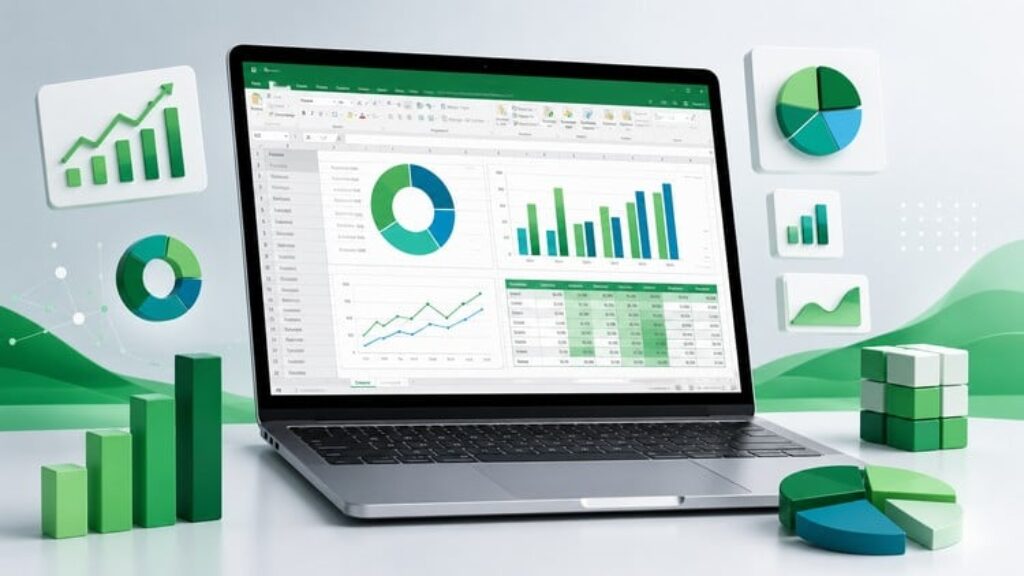
You will learn how to use mathematical, statistical, text, logical, date, and lookup functions to manipulate and analyze data efficiently. You will also discover how to summarize large datasets using Pivot Tables, automate data preparation with Power Query, and create professional charts to communicate your findings effectively.

By the end of this course, you will have the confidence to use Excel for reporting, business analysis, and everyday data-related tasks.

What you’ll learn

  • Master Microsoft Excel from beginner to advanced level.

  • Work efficiently with formulas and functions.

  • Use Math, Statistical, Text, Logical, Date, and Lookup functions.

  • Clean and transform data using Power Query.

  • Create and customize Pivot Tables for data analysis.

  • Build professional charts and visualizations.

  • Organize and format data effectively.

  • Analyze business data and generate meaningful insights.

  • Improve productivity with Excel shortcuts and best practices.

  • Apply Excel skills to real-world data analysis scenarios.

Course Topics Covered

  • Excel Fundamentals

  • Formatting and Data Preparation

  • Formulas and Functions

  • Math Functions

  • Statistical Functions

  • Text Functions

  • Logical Functions

  • Date Functions

  • Lookup Functions

  • Pivot Tables

  • Power Query

  • Data Cleaning and Transformation

  • Column Charts

  • Bar Charts

  • Line Charts

  • Pie Charts

  • Data Visualization Techniques

Whether you are a student, business professional, accountant, manager, aspiring data analyst, or anyone who works with data, this course will provide you with the practical Excel skills needed to make better decisions and become more productive.

Enroll today and start your journey to mastering Microsoft Excel for Data Analytics!

Who this course is for:

  • Beginners who want to learn Microsoft Excel from scratch.
  • Students and graduates looking to build practical data analysis skills.
  • Business analysts, data analysts, and professionals who want to improve their Excel proficiency.
  • Working professionals who use Excel for reporting, data cleaning, and data visualization.
  • Accountants, finance professionals, and administrators who want to work more efficiently with data.
  • Managers and entrepreneurs who want to analyze business data and make better decisions.
  • Anyone preparing for a career in data analytics or business intelligence.
  • Anyone who wants to master Excel formulas, functions, Pivot Tables, Power Query, and charts for real-world applications.
Advertisements
SEP2026MO2
Advertisements
Advertisements
Free Online Courses with Certificates
Logo
Register New Account