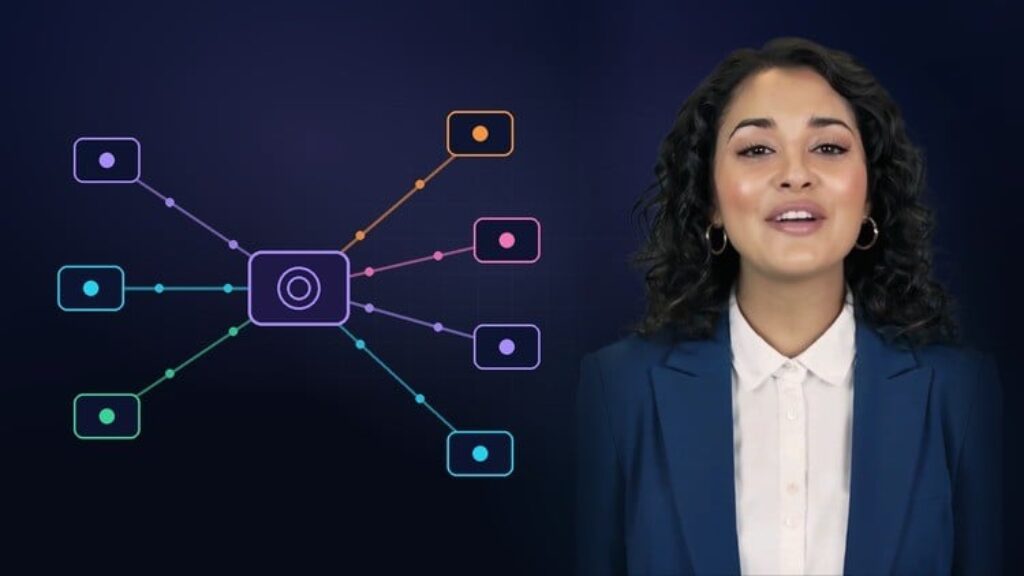
This course contains the use of artificial intelligence.
Your AI assistant is clever, but on its own it can’t see your files, your repository or your data. MCP changes that.
The Model Context Protocol (MCP) is an open standard that lets AI applications connect to tools, data and services in one consistent way. Claude, ChatGPT, Cursor, VS Code and many other apps already support it. Build an MCP server once, and every one of those apps can use it.
This course takes you from “what is MCP?” to a working MCP server of your own in under an hour. There are no long protocol lectures. You follow one small online shop, ShopLite, through every lesson: you read its project files, query its sales database, check its GitHub issues and finally build its business tools yourself.
What makes this course different
-
Real demonstrations, not mock-ups. Every AI conversation you see on screen was recorded against a live MCP server: the official filesystem and GitHub servers, OpenAI’s documentation server, a SQLite database and the server you build.
-
Current tooling. The code uses the stable MCP TypeScript SDK v2, which implements the 2026-07-28 MCP specification, and MCP Inspector 2.9.
-
Safety built in from the start. You’ll see a server refuse a file outside its folder, a database server reject a DELETE, and the difference between GitHub’s full toolset and its read-only endpoint.
-
Real-world troubleshooting. A whole lesson on two problems teams actually hit with MCP over SSE: the “changing port” that turns out to be normal, and the stream that keeps closing, with a diagnostic matrix and a heartbeat fix.
-
“Pause and predict” moments in most lessons, to check you’ve understood before the answer appears.
What you’ll do
-
Understand hosts, clients and servers, and the three things a server offers: tools, resources and prompts.
-
Connect your first remote MCP server in one line of configuration.
-
Let an AI explore a project folder, triage GitHub issues and answer sales questions from a database, safely.
-
Build the Business Tools MCP server in TypeScript: three tools, one resource and one prompt.
-
Test it with MCP Inspector, both in the browser and from the command line, before connecting any AI.
-
Learn the security essentials: least privilege, read before write, authentication, tool permissions and prompt injection.
-
Debug real streaming problems: tell normal SSE closures and port changes apart from real failures, and fix idle timeouts.
Downloadable resources include a two-page MCP cheat sheet, architecture and tools/resources/prompts guides, the complete source of every server in the course, and the ShopLite demo project and database.
By the end, you’ll have built, tested and connected a real MCP server, and you’ll be ready to expose a small, safe part of any API you already use.
Production note: the narration uses an AI voice (Navya, licensed from ElevenLabs) and the on-screen presenter is an AI avatar created with HeyGen. All demonstrations are real recordings.