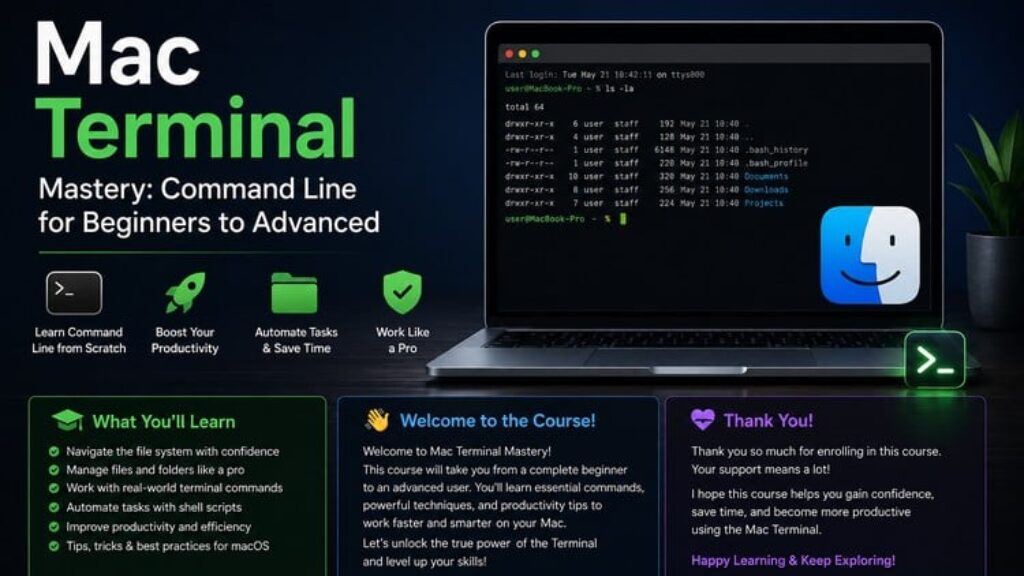
Master the power of the Mac Terminal and unlock a faster, smarter way to work.
This course is designed for beginners and intermediate users who want to confidently use the command line on macOS. Whether you’re tired of repetitive tasks or want to level up your technical skills, this course will guide you step by step.
You’ll start with the basics of navigating the Terminal and understanding how commands work. Then, you’ll move into more advanced concepts like file management, permissions, automation, and productivity hacks.
Unlike basic tutorials, this course focuses on real-world usage, helping you apply what you learn in practical scenarios.
What You’ll Learn
-
Navigate files and directories with confidence
-
Use essential and advanced Terminal commands
-
Manage files, folders, and permissions
-
Automate tasks to save time
-
Improve productivity using command-line tools
-
Understand how macOS works behind the scenes
Key Areas of Mastery
By the end of this course, you will be able to navigate your system with lightning speed, automate your daily tasks, and manage software using industry-standard tools like Homebrew. You will bridge the gap between being a casual user and a technical professional.
By the end of this course, you’ll be able to use the Terminal like a pro and perform tasks faster than ever before.





![[ES] IA Full-Stack con Ollama: Llama, Deepseek, Mistral, QwQ](https://courses.impodays.com/wp-content/uploads/2025/05/6605609_456b_2-100x56.jpg)

![[FR] IA Full-Stack avec Ollama : Llama, Deepseek, Mistral](https://courses.impodays.com/wp-content/uploads/2025/05/6605637_60b2-100x56.jpg)
![[TR] Ollama ile Yapay Zeka: Llama, Deepseek, Mistral, QwQ](https://courses.impodays.com/wp-content/uploads/2025/11/6605681_69f6-100x56.jpg)
![[NL] Full-Stack AI met Ollama: Llama, Deepseek, Mistral, QwQ](https://courses.impodays.com/wp-content/uploads/2025/05/6605733_721d-100x56.jpg)
![[ES] Ciberseguridad 101: Fundamentos para Principiantes](https://courses.impodays.com/wp-content/uploads/2025/05/6613559_62db-100x56.jpg)