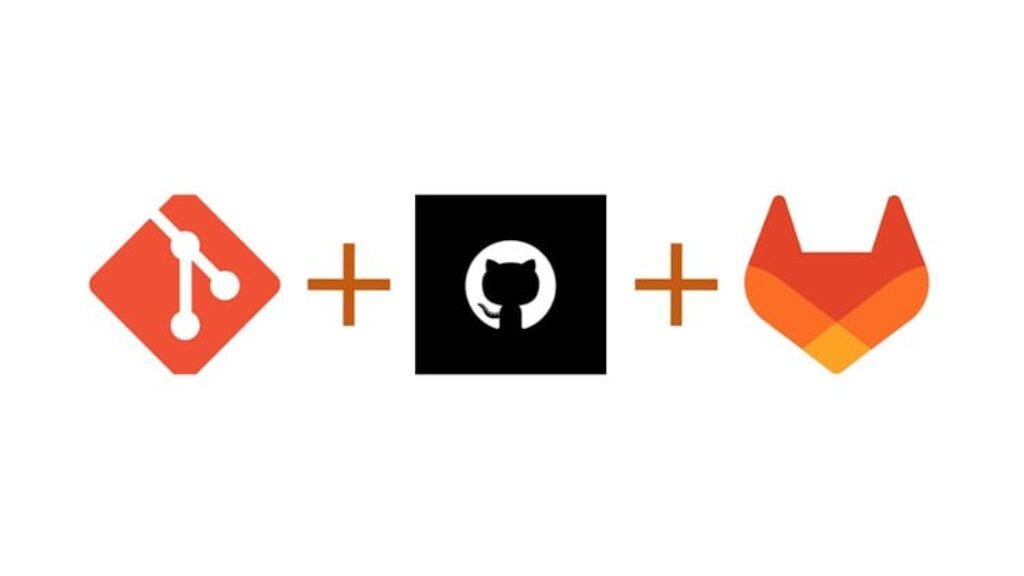
In this course, we will touch upon some of the important commands and concepts that will make it easy for us to take our journey to understand and work with GIT. We will get hands-on with GIT commands and we will clear our Version control concepts. We will also understand the difference between a Distributed version control system and Centralized version control system.
We will understand how we can track the code changes history and concept of Git snapshot history. we will start with creating GIT code repository and see how to use GIT in Team environment. How team members can share code with each other using GIT remote repositories. How does the Local and remote repositories in GIT are synched using simple commands.
We will understand the concept of GIT workflow and see how it works practically.
We will also take an overview of GitHub and GitLab as web-based tools and understand GitHub and GitLab used as code repository along with features like bug or issue tracking, project management, team collaboration, code review using Pull request and Merge request feature, Continuous Integration and Continuous Delivery (CI/CD), binary package management, code vulnerability assessment, code vulnerability scan, Derive analysis of pipeline performance, Wikis, etc.

![CCA – Cilium Certified Associate Practice Exams [NEW 2026]](https://courses.impodays.com/wp-content/uploads/2026/08/7314321_9c8a-100x56.jpg)