Advertisements

Computer Course: Hardware and Software Skills Level 1

Advertisements
Learn Computers from Scratch
4.8
4.8/5
(3) Ratings
1,850 students
Created by Vijaykumar Uddhadi
Advertisements

What you'll learn

  • Complete fundamentals of computers from beginner level
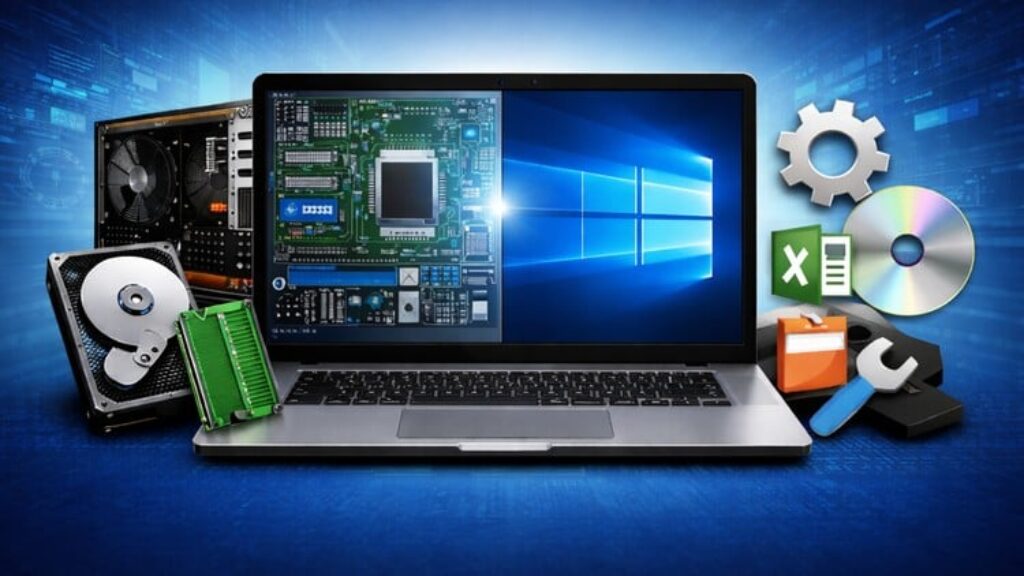
  • Understanding computer hardware components (CPU, RAM, Hard Disk, Motherboard, etc.)
  • Input, output, and storage devices in detail
  • How operating systems work (Windows basics)
  • Software types: system software & application software
  • Installing, uninstalling, and managing software
  • File and folder management
  • Basic computer maintenance and safety tips
  • Common computer problems and basic troubleshooting
  • Practical computer skills for office, study, and daily use
This course includes:
3 total hours on-demand video
0 articles
2 downloadable resources
14 lessons
Full lifetime access
Access on mobile and TV
Certificate of completion
Advertisements

Course content

Requirements

  • A PC or Laptop with 1TB Free space
  • Willingness to learn and practice
  • No need of Knowledge on Programming

Description

Complete Computer Course: Hardware and Software Skills

In today’s digital workplace, strong computer skills are essential across all roles and industries. Complete Computer Course: Hardware and Software Skills is a comprehensive, beginner-to-foundation level program designed to equip learners with practical computer knowledge required for office productivity, IT awareness, and everyday professional tasks.

This course provides a structured understanding of both computer hardware and software, helping learners confidently use, manage, and troubleshoot computers in real-world environments. Starting from basic computer concepts, the course gradually builds knowledge of internal and external hardware components, operating systems, and commonly used software.

Learners will understand how computers function internally, how different hardware components work together, and how software enables productivity and system operations. The course emphasizes practical usage, including file management, software installation, system maintenance, and basic troubleshooting—skills that are valuable in any corporate or academic setting.

Designed with clarity and simplicity, You will learn Hardware , OS , file management , Basic Computer Usage, Command prompt Internal and External Commands , Internet Web browser Installation , Building a Powerful PC and Troubleshooting . By the end of this course you will get basic idea of computers usage and its helpful in your Daily Life
Enroll in my course to get started!


Who this course is for:

  • Beginners who want to learn computers from zero
  • Students preparing for jobs or competitive exams
  • Office staff and professionals wanting better computer skills
  • Small business owners
  • Anyone who wants complete computer knowledge (hardware + software)
  • Non-technical users who want confidence using computers
Advertisements
66907000E00F5AED41CC
Advertisements
Advertisements
Free Online Courses with Certificates
Logo
Register New Account