Welcome to AI-Powered UI/UX Design: Complete Beginner to Advanced.
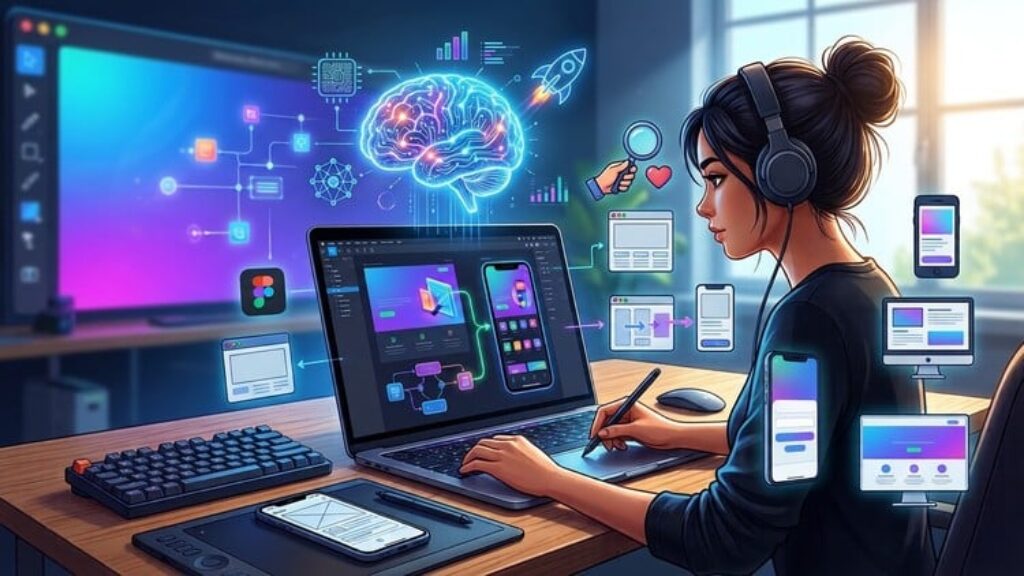
Not long ago, designing a website or an app screen meant years of design training and hours of work in complicated tools. Today, AI can help you go from a blank screen to a clean, professional design in a fraction of the time. In this class, I’ll show you how to design with AI the right way.
You don’t need any design background. We’ll start with the basics of UI/UX and build up one lesson at a time. By the end, you’ll have a portfolio of real designs, including websites, an ecommerce app, and landing pages.
What you will learn in this class:
• What UI/UX design is and how the design process works.
• How to start designing with AI, even if you have never designed before.
• How to design a complete Personal Portfolio Website step by step (in two parts).
• How to design a clean, modern UI for an Ecommerce App.
• How to create a One Page Restaurant Landing Page.
• How to design a Flower Shop Landing Page from scratch.
• How to write prompts that give you better layouts, colors, and visuals.
• How to put it all together in a hands-on class project.
After completing this class, you will be able to:
• Use AI confidently to design websites, apps, and landing pages.
• Understand the basics of UI/UX and apply them to your own projects.
• Create a professional design portfolio in a short time.
• Design screens and pages that look clean, modern, and easy to use.
• Offer UI/UX design services to clients, or design your own product.
How this class works
This is a hands-on class, so the best way to learn is to design along with me in every lesson. There’s a class project where you can practice what you’ve learned on your own. All the prompts and resources I use are in the resource folder, so you can copy them and practice at your own pace.
If you’ve never designed anything before, you’re exactly who this class is for. And if you get stuck at any point, post your question in the discussion area and I’ll be happy to help.
See you in the first lesson!