Advertisements

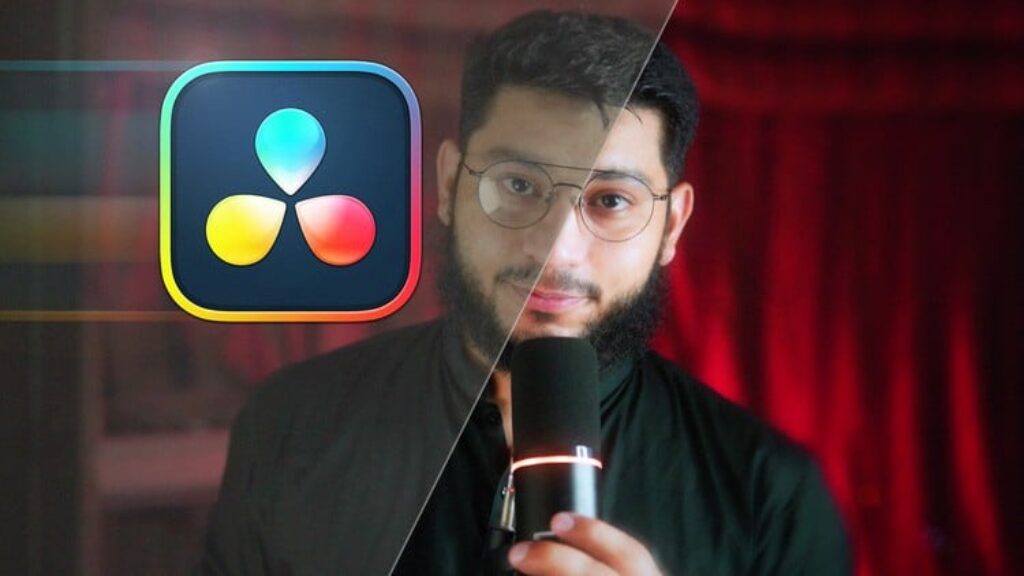
DaVinci Resolve 21 Mastery: Complete Video Editing Course

Advertisements
Learn Video Editing , Compositing, Color Grading and Color Correction , Audio Mixing, VFX and More in Davinci Resolve 21
1
1/5
(36) Ratings
0 students
Created by Faizan Amjed
Advertisements

What you'll learn

  • How to Download, install, and set up DaVinci Resolve
  • Configure frame rates, codecs, and project settings
  • How to Import, organize footage using bins and timelines
  • How to Cut and trim using ripple delete, blade tools, and shortcuts
  • Balance dialogue, music, and sound effects
  • Record clean, studio-quality voiceovers
  • Fix exposure, white balance, and contrast
  • Use color wheels, curves, qualifiers, and power windows
  • Apply grading for mood and style
  • Use scopes and nodes (serial, layer, parallel)
  • Work with merge nodes, masks, and transforms
  • Key green screen footage
  • Apply ResolveFX and OpenFX effects
  • Design lower thirds, intros, and outros
  • Use Fusion Text, Text+, and Rich Text for advanced effects
  • Use power bins for reusable assets across projects
  • Practice with downloadable exercise files
  • Export correctly for YouTube, TikTok, social media, and client delivery
  • Complete a full project from import → edit → color correction → grading → export
This course includes:
9 total hours on-demand video
0 articles
1 downloadable resources
103 lessons
Full lifetime access
Access on mobile and TV
Certificate of completion
Advertisements

Course content

Requirements

  • Have a Computer With Internet Connection
  • Windows 10 or any Mac OS.
  • No Prior knowledge in DaVinci Resolve required.

Description

My name is Faizan, and I’ve been a professional video editor since 2012. Over the years, I’ve edited hundreds of projects — for clients, brands, and my own creative work. Now, my mission is simple: to help you become a confident, skilled video editor.

Whether you’re a complete beginner or someone who’s been avoiding DaVinci Resolve because the interface feels overwhelming — this course is built for you.

What You’ll Master in This Course

This is a complete, A-to-Z guide to DaVinci Resolve 21, covering every major page of the software:

Edit Page — Learn the full editing workflow, apply effects, transitions, Open FX, toolbar effects, and add professional titles.

Fusion — Demystify the Node System once and for all. You’ll learn compositing, motion graphics, 3D text, 3D lighting, keyframe animation, background removal, and complex node-based effects — step by step.

Fairlight — Clean up and enhance your audio, remove background noise, and apply professional audio effects.

Color Page — This is where good footage becomes cinematic. Master color wheels, curves, the Color Warper, qualifiers, masks, tracking, scopes, node mixers, LUT creation, Surface Tracker, and Match Move Tracking.

Deliver/Export — Export your finished project exactly the way you need it — audio only, multiple timelines, transparent-background graphics, and more.

Why This Course Stands Out

Designed specifically for self-taught learners — no prior experience needed.

Afraid of the Node System? Don’t be. It’s broken down in a way that finally makes sense.

Course is recorded in DaVinci Resolve 21, fully applicable to Any version — if you have an older version, you’ll still get enormous value.

Hands-on tasks throughout so you learn by doing, not just watching.

Covers everything — from downloading and installing the software all the way to professional export workflows.


Who this course is for:

  • Who want to learn video editing from scratch
  • Who switching to DaVinci Resolve from another editor
  • Who want to understand color correction and color grading professionally
  • Who been intimidated by Fusion’s node system
  • Who want to create motion graphics, VFX, and animated titles
Advertisements
FF7D66AACFEDA06183FE
Advertisements
Advertisements
Free Online Courses with Certificates
Logo
Register New Account