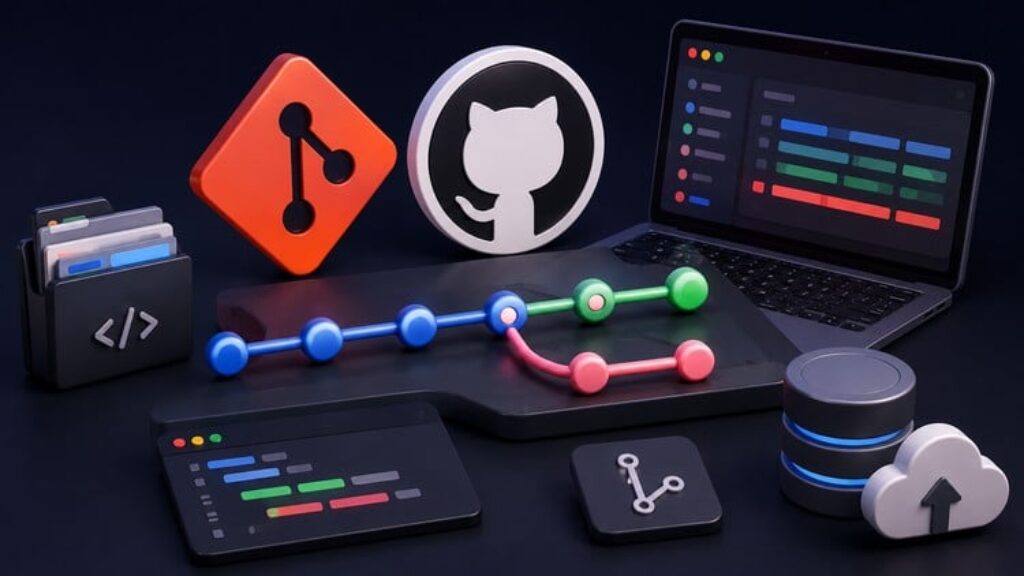
Writing code on your own laptop is easy; writing code with 50 other developers simultaneously without deleting each other’s work is an entirely different profession. Welcome to the Git & GitHub Mastery practice assessments! Version control is the central nervous system of the tech industry. It does not matter how good your Python or SQL skills are if you do not know how to commit and share that code safely. This comprehensive practice test course provides you with 200 expertly crafted, highly unique practice questions designed to simulate the rigorous version control challenges faced by lead engineers.
Across these four complete practice exams, you will be thrown into high-stakes development scenarios. You will test your ability to hotfix critical bugs directly in production branches, manage feature deployments for fast-paced software teams, and collaborate on massive open-source data science pipelines. The questions push you to evaluate complex command-line trade-offs: When is it safe to use a hard reset? Why should you almost never force-push to a main branch? How do you cherry-pick a specific commit from a staging branch without bringing over unfinished code?
Every single question in this course is unique and includes a detailed explanation of the “why” behind the correct Git command. By reviewing these explanations, you will learn industry-standard methodologies for keeping commit histories clean and preventing catastrophic data loss. If you are preparing for a technical software interview or just want to stop panicking every time you see a merge conflict, this is your ultimate testing ground. Enroll today and commit with confidence!
Course locale: English (US)
Course instructional level: Intermediate Level
Course category: Development
Course subcategory: Software Engineering Tools


![Curso CEO: estrategia y liderazgo, 120+ herramientas [ES]](https://courses.impodays.com/wp-content/uploads/2026/10/6694623_0fb1_3-100x56.jpg)

![Corso COO: Direttore Operativo, KPI, 160+ strumenti [IT]](https://courses.impodays.com/wp-content/uploads/2026/10/7068881_ad0b_3-100x56.jpg)


![Presupuesto RRHH: defiende tus costos, 45 herramientas [ES]](https://courses.impodays.com/wp-content/uploads/2026/10/6680323_9e3f_3-100x56.jpg)