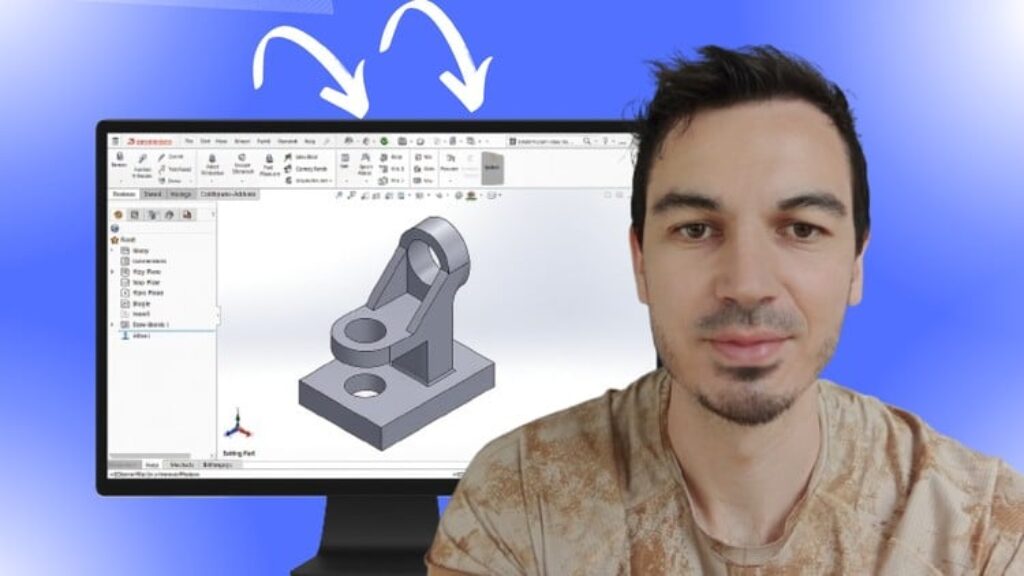
Starting SolidWorks can feel confusing — too many buttons, a complex interface, and no clear path for beginners.
This short, practical course removes the overwhelm and gives you a fast, confidence-boosting win.
You’ll go from opening SolidWorks for the very first time to creating your first complete 3D part using the same workflow professionals use.
This course is simple, clear, and designed specifically for beginners.
What You’ll Learn:
• How to set up SolidWorks and start your first project the right way
• The foundations of 2D sketching: lines, circles, rectangles, dimensions, and constraints
• How to create a fully defined sketch that updates cleanly when you make changes
• How to turn a 2D sketch into a real 3D model using the extrude feature
• The basics of design intent so your part behaves intelligently
• How to save, name, and organize your files like a professional designer
• Simple tips to avoid the most common SolidWorks beginner mistakes
Why Learn SolidWorksFrom Me?
• Master’s degree in Mechanical Engineering
• SolidWorks Certified Professional
• 5+ years designing industrial machinery using CATIA, AutoCAD & SolidWorks
• 48,000+ students across 12 engineering courses
• Instructor rating average: 4.5 / 5
By the End of the Course, You Will:
• Create your first SolidWorks 3D part completely from scratch
• Understand the core modeling workflow used in professional design
• Know how to sketch, dimension, constrain, and extrude with confidence
• Be ready to move into assemblies, drawings, and more advanced tools
• Have a strong, frustration-free start to your SolidWorks journey
Whether you’re a student, new engineer, or hobbyist, this course gives you the perfect first step into SolidWorks — fast, simple, and beginner-friendly.