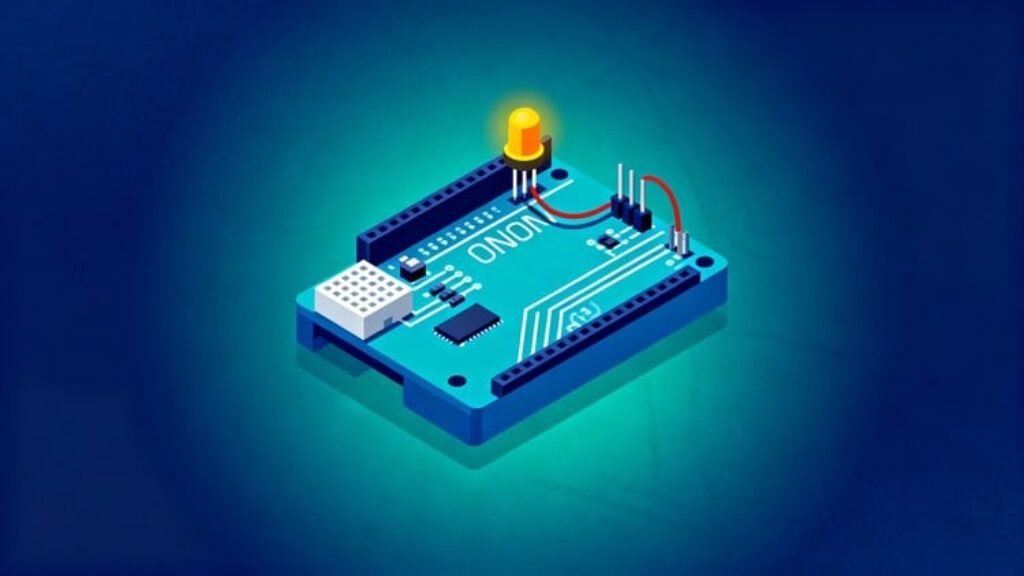
This course takes complete beginners from their very first LED blink on Arduino to building small but powerful embedded projects. Using simple explanations and live coding, each lecture walks through the circuit connection, Arduino code, uploading, and testing so learners see every step of the process.
The journey starts with the classic LED blinking program and basic digital I/O so students become comfortable with the Arduino IDE, board connections, and uploading sketches. Next, the course introduces the serial monitor and counters, showing how to print data, debug code, and control LEDs interactively from the PC. As confidence grows, the lessons move into slightly larger mini‑projects such as pattern blinking, multi‑LED control, and simple sensor or button‑based tasks that combine inputs, outputs, and basic logic.
Throughout the course, the focus stays on practical hardware implementation: how to read circuit diagrams, place components on a breadboard, choose resistor values, and avoid common wiring mistakes that can stop a project from working. Every project is designed so students can build it at home with an Arduino board, a few LEDs, resistors, switches, and jumper wires, making the learning process highly hands‑on. By the end, learners will be able to understand existing Arduino example codes, modify them for their own ideas, and design simple embedded systems prototypes for academic projects or hobby applications.
If you want, the next step can be to expand this into advanced sections on sensors, motors, and communication protocols to create a full “Arduino from Zero to Hero” track.





![[ES] IA Full-Stack con Ollama: Llama, Deepseek, Mistral, QwQ](https://courses.impodays.com/wp-content/uploads/2025/05/6605609_456b_2-100x56.jpg)

![[FR] IA Full-Stack avec Ollama : Llama, Deepseek, Mistral](https://courses.impodays.com/wp-content/uploads/2025/05/6605637_60b2-100x56.jpg)
![[TR] Ollama ile Yapay Zeka: Llama, Deepseek, Mistral, QwQ](https://courses.impodays.com/wp-content/uploads/2025/11/6605681_69f6-100x56.jpg)
![[NL] Full-Stack AI met Ollama: Llama, Deepseek, Mistral, QwQ](https://courses.impodays.com/wp-content/uploads/2025/05/6605733_721d-100x56.jpg)
![[ES] Ciberseguridad 101: Fundamentos para Principiantes](https://courses.impodays.com/wp-content/uploads/2025/05/6613559_62db-100x56.jpg)