[UPDATE – Feb 2026] Subtitles available: Spanish, Portuguese (Brazil), Japanese, Chinese
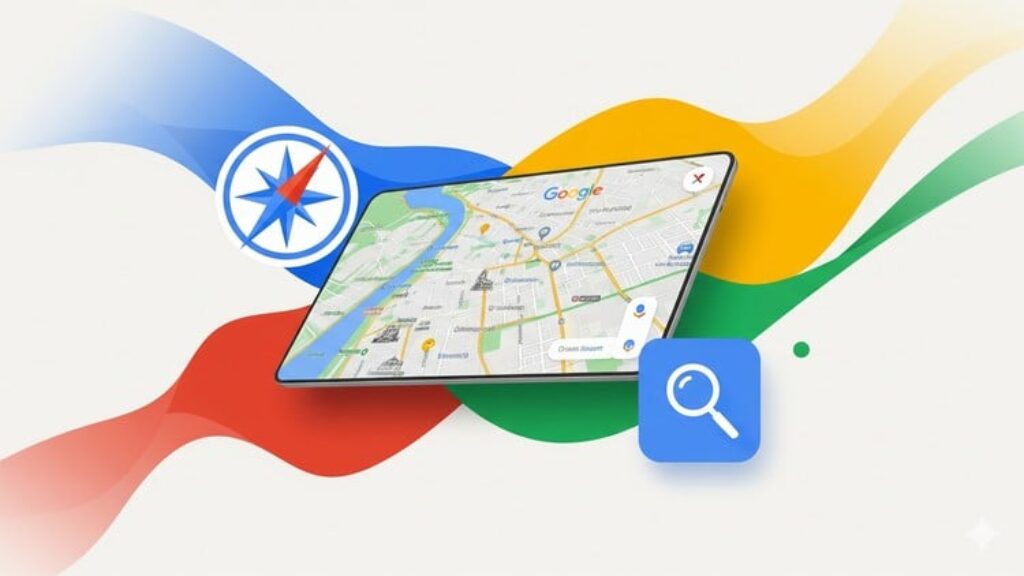
Unlock the power of Google Maps API and bring interactive maps to your web projects! This free beginner course is designed for developers, hobbyists, and students who want to learn how to integrate Google Maps into websites and applications. You’ll start from the basics and gradually explore key features like markers, shapes, events, and advanced enhancements.
What you’ll learn:
-
How to set up Google Maps in your projects and configure basic controls.
-
How to add and customize markers, InfoWindows, and advanced marker animations.
-
How to draw and style shapes like circles, polygons, polylines, and rectangles.
-
How to handle map events and user interactions, including clicks, zoom changes, and boundary shifts.
-
How to manage multiple markers efficiently with clustering techniques.
-
Learn comfortably with professionally prepared multilingual subtitles (ES, PT-BR, JA, ZH)
Course Modules:
Module 1 – Map Basics
Learn how to initialize a Google Map, configure zoom and pan controls, and add your first marker with an InfoWindow.
Module 2 – Drawing Shapes
Draw circles, polygons, polylines, and rectangles, and learn how to customize their appearance to highlight areas or paths.
Module 3 – Map Events & Interactions
Make your maps interactive by responding to user actions like clicks, zoom changes, and bounds changes.
Module 4 – Advanced Markers & Clustering
Customize markers with icons and animations, and use clustering to manage multiple markers efficiently.
Module 5 – Full Course Preview
Get a sneak peek of advanced features such as autocomplete, directions, and routing, and see how the full course can take your skills to the next level.
Who this course is for:
-
Beginners and web developers who want to learn Google Maps API from scratch.
-
Students and hobbyists interested in interactive maps and location-based applications.
-
Anyone wanting a practical, hands-on introduction to map visualization and interactivity.
Requirements:
-
Basic knowledge of HTML, CSS, and JavaScript.
-
A Google account to access the Google Maps API key (free).
-
No prior experience with Google Maps API is needed.
Start building interactive maps today with this free, beginner-friendly Google Maps API course and take the first step toward mastering location-based web applications!