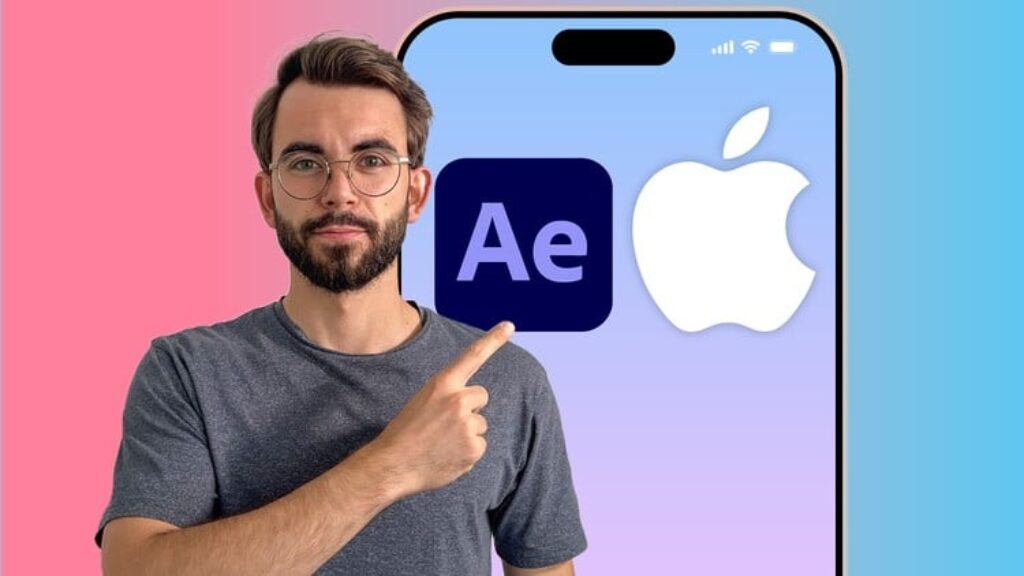
Want to create the kind of Apple-style animations that feel premium, futuristic, and insanely well-crafted—like something straight from a product launch video or a high-end commercial?
This course shows you how.
You’ll learn to build sleek, cinematic UI motion graphics that mirror the visual polish of Apple’s design system—using Adobe After Effects, real product screenshots, and pro-grade workflows used by top creative teams.
We’ll create two full short animations from scratch—one modern iPhone-style redesign and one Liquid Glass interface with cinematic transitions. Along the way, you’ll master:
-
MASTER APPLE-STYLE UI DESIGN IN AFTER EFFECTS — Build premium screen layouts from screenshots, PDFs & Figma files (Lectures 5-8)
-
CREATE SMOOTH 3D UI ANIMATIONS — Use camera, blur effects & transitions to mimic Apple-style depth and realism (Lectures 20,26)
-
ANIMATE WITH PROFESSIONAL WORKFLOWS — Combine motion blur, Fast Box Blur, alpha mattes & easing for cinematic polish (Lectures 19, 20, 24, 26)
-
LEARN ADVANCED CAMERA RIGGING — Use nulls, parented controls & 3D compositions to build elegant motion systems (Lectures 12, 26)
-
BUILD STRUCTURED UI MOTION SEQUENCES — Use nested compositions and timing systems to animate multi-layered UI (Lectures 20, 26)
-
DESIGN LIQUID GLASS UI INTERFACES — Use transparency, cc glass, and lighting effects to create clean, futuristic motion (Lecture 25)
-
WRITE & PLAN ANIMATIONS WITH CHATGPT — Generate viral UI concepts, scripts & visual rhythm with the help of AI (Lectures 14-16)
-
FOLLOW REAL-WORLD PROJECTS START TO FINISH — Design & animate two complete short animations step-by-step (Lectures 14-27)
-
EXPORT & PACKAGE FOR SOCIAL MEDIA — Deliver high-quality videos with sound, optimized for TikTok, Reels & Shorts (Lecture 22–27)
Everything you build will look premium. Everything you learn will be practical.
By the end of this course, you’ll have created two polished, portfolio-worthy videos—and you’ll have mastered the tools, techniques, and motion thinking that define today’s most successful editors.
What makes me (Vlad) credible to teach this topic?
With over 10 years of experience editing videos for YouTube, Instagram, and TikTok—and managing two of the biggest channels in their niches—I know what it takes to create content that performs. I’ve spent years fine-tuning a creative system that works across platforms and formats, including Shorts video editing, TikTok video editing, and video editing for Reels. The strategies and tools I’m about to share aren’t theory—they’re exactly what I’ve used to help creators go viral, build audiences, and grow real results.
100% Money-Back Guarantee: If this course doesn’t completely surpass your expectations, Udemy will refund 100% of your money within 30 days of enrolling.
You literally have nothing to lose and so much to gain.
Enroll now and level up your After Effects skills!




![[ES] IA Full-Stack con Ollama: Llama, Deepseek, Mistral, QwQ](https://courses.impodays.com/wp-content/uploads/2025/05/6605609_456b_2-100x56.jpg)

![[FR] IA Full-Stack avec Ollama : Llama, Deepseek, Mistral](https://courses.impodays.com/wp-content/uploads/2025/05/6605637_60b2-100x56.jpg)
![[TR] Ollama ile Yapay Zeka: Llama, Deepseek, Mistral, QwQ](https://courses.impodays.com/wp-content/uploads/2025/11/6605681_69f6-100x56.jpg)
![[NL] Full-Stack AI met Ollama: Llama, Deepseek, Mistral, QwQ](https://courses.impodays.com/wp-content/uploads/2025/05/6605733_721d-100x56.jpg)
![[ES] Ciberseguridad 101: Fundamentos para Principiantes](https://courses.impodays.com/wp-content/uploads/2025/05/6613559_62db-100x56.jpg)