Advertisements

After Effects for Beginners: Animate Stickers & Expressions

Advertisements
Learn After Effects by animating 6 fun stickers with keyframes, easy ease and simple expressions, then export looping GI
1
1/5
(28) Ratings
0 students
Created by Belhadj Ramzi
Advertisements

What you'll learn

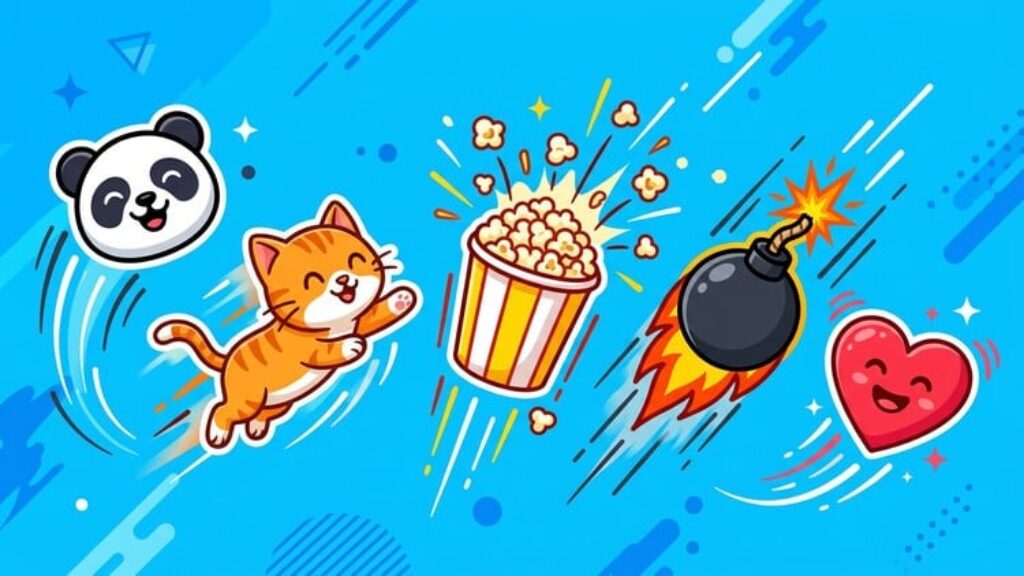
  • Design a set of 6 fun stickers in Adobe Illustrator: love, panda, cat, wok, bomb and popcorn
  • Pick color palettes and sticker styles that stand out on social media
  • Animate each sticker in After Effects with keyframes and easy ease for smooth loops
  • Speed up your animation with simple expressions: wiggle, random and loopOut
  • Export transparent animations and turn them into looping GIFs
  • Publish your stickers on GIPHY so people can use them on Instagram and TikTok
This course includes:
1.5 total hours on-demand video
0 articles
0 downloadable resources
11 lessons
Full lifetime access
Access on mobile and TV
Certificate of completion
Advertisements

Course content

Requirements

  • No animation experience needed
  • Adobe Illustrator, After Effects and Photoshop (free trials work)

Description

The fastest way to learn After Effects is to animate something fun. In this beginner course you will learn the core tools of After Effects by animating six colorful stickers: love, panda, cat, wok, bomb and popcorn.

What you will learn:

The After Effects interface: importing files, creating compositions and setting resolution and frame rate.

Keyframes, easy ease and the graph editor for smooth, looping motion.

Simple expressions that do the work for you: wiggle, random, time and loopOut.

Converting Illustrator layers to shapes and building precomps.

Animating rotation, scale, position and opacity with personality.

Exporting transparent animations and turning them into looping GIFs in Photoshop.

The sticker artwork is provided in the lessons, so you can focus entirely on animation. Every step is shown on screen, and you can follow along even if you have never opened After Effects before.

By the end you will have a set of animated stickers ready for Instagram Stories, TikTok or GIPHY, and the motion skills to animate logos, icons and social media content.

This course is built from the animation modules of my full course Motion Graphics: Animated Stickers & GIFs for Social Media, for students who want only the After Effects part.

Who this course is for: beginners in motion graphics, illustrators and designers who want to animate their work, and content creators.


Who this course is for:

  • Beginners who want an easy, fun start in motion graphics and animation
  • Illustrators and graphic designers who want to animate their work
  • Content creators and social media managers who want custom animated stickers
  • Anyone who wants their art to move
Advertisements
FREEAFTEREFFECTS
Advertisements
Advertisements
Free Online Courses with Certificates
Logo
Register New Account