Everything works until it does not. A disk array fails, a site loses power, someone deletes the wrong organisational unit at five to five on a Friday. What happens next is not a matter of luck — it is a matter of what you built before it happened.
This course is about building that. It is a practical, hands-on disaster recovery course for Windows Server environments, and it follows one thread from beginning to end: decide what has to survive, decide how fast it has to come back, then build the thing that delivers it.
You will start with the plan. What business continuity and disaster recovery actually mean, how to set a recovery point objective and a recovery time objective for a service, and how to write a recovery plan that someone can follow at three in the morning without calling you.
Then you will keep the service up. Failover clustering from the fundamentals: building a file server cluster by hand, quorum and witnesses, cluster roles, site-aware clustering across two locations, and stretch clusters with Storage Replica.
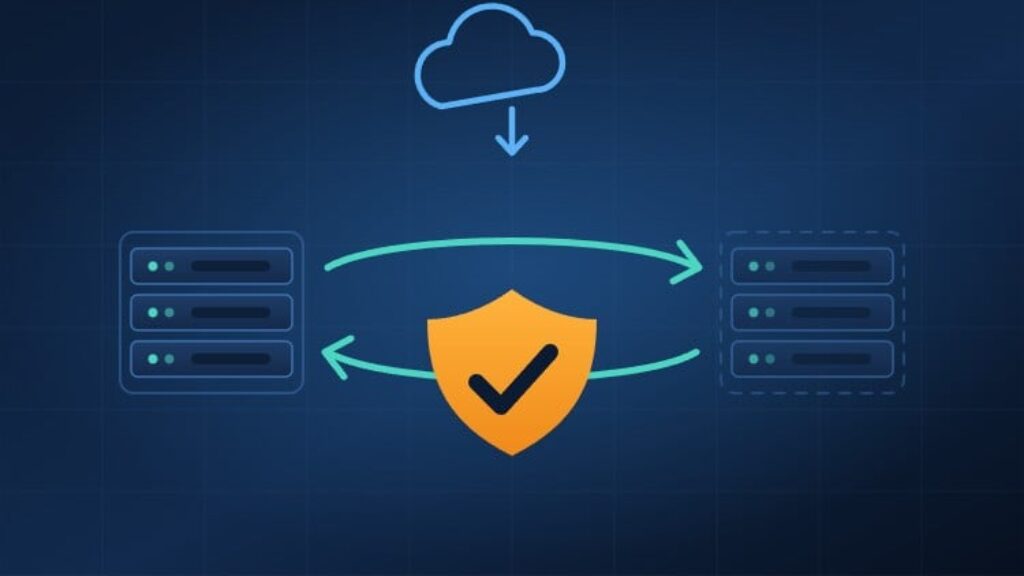
Then you will protect the virtual machines. What Hyper-V Replica does, when it is the right answer and when it is not, how to configure it for disaster recovery, and how storage migration fits alongside it.
Then you will back things up and get them back. Windows Server Backup, what happens when data deduplication is switched on, how long a deleted object really lives, and a first backup with Veeam Backup and Replication.
Active Directory gets a section of its own — because losing an object there is the failure administrators meet most often. What is actually left behind when an object is deleted, recovery with the Active Directory Recycle Bin, recovery without it using LDP, authoritative and non-authoritative restore, and recovery with PowerShell.
Then you go to the cloud. Azure Backup and its components, the Recovery Services vault, backing up and restoring an Azure virtual machine, Azure Site Recovery, and DPM for larger estates.
And finally the pieces that are forgotten until they are missing — backing up, restoring, copying and migrating Group Policy Objects, and backing up DNS zones — with a practice test to check that it stuck.
There are demonstrations throughout. You are shown the console, the command and the result, not a slide that says it works.
By the end you will be able to look at a service in your own environment and say, with evidence, how much data you would lose, how long the service would be down, and what you would do in the first ten minutes. That is what a disaster recovery plan is for.