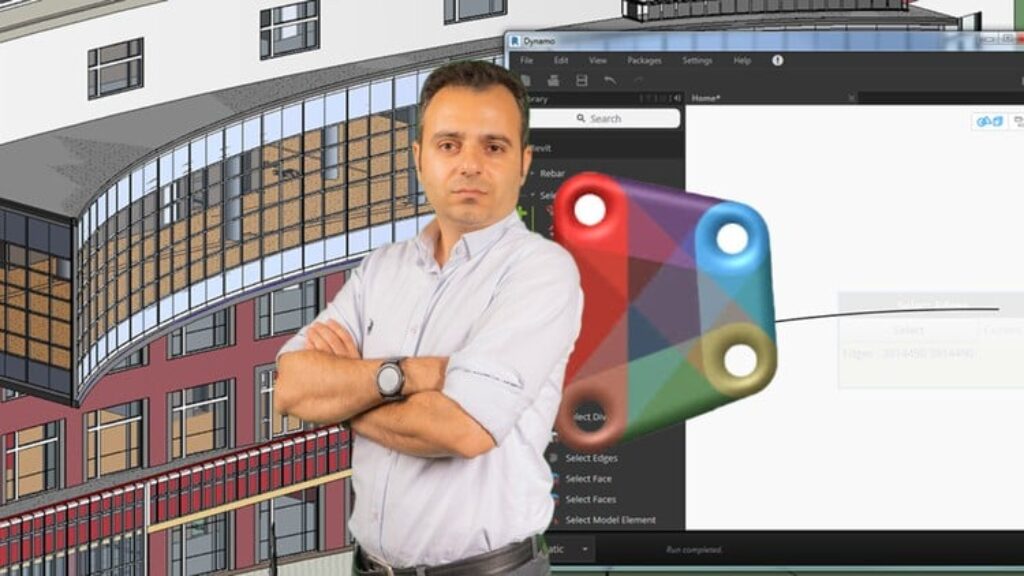
Note: This is not a Dynamo tutorial that only explains node functions. It’s a project-based training built around real BIM scenarios in Revit, helping you automate views, sheets, schedules, parameters, and families using practical scripts and logic-driven workflows.
-
How is a real Dynamo user different from someone who just connects random nodes in Revit?
-
How can smart scheduling and parameter control reduce modeling time and eliminate repetitive tasks in Revit?
-
What skills are truly needed in Dynamo to manage real Revit data, automate families, and build project-ready scripts?
This course is designed to teach Dynamo for Revit with practical, hands-on methods based on real-world BIM models. You will learn how to create automated workflows, use visual logic, and manage Revit elements confidently – without any programming knowledge. Every concept is demonstrated using real project examples and common industry challenges.
If you’re looking for a clear way to automate tasks like sheet creation, family updates, or schedule management in Revit, this course will give you all the tools to work faster and more efficiently inside your projects.
Headlines:
Automation of Sheets and Views in Revit – Complete Workflow with No Code Using Dynamo
Schedules in Revit Projects – High Accuracy and Dynamic Updates with Dynamo Nodes
Parameter Editing in Revit Families – Expert Techniques for Type and Instance Modification
Selection and Filtering of Revit Elements – High Precision with BoolMask, Conditions, and Logic
Excel Integration in Revit Workflows – Seamless Data Import and Export with Dynamo Scripts
Family Naming in Revit – Prefix and Suffix Automation for Clean and Structured Standards
Element ID and TextNote Control – Professional Tagging and Annotation Editing in Revit Using Dynamo
Data Extraction from Revit Models – Structured Access to Categories, Parameters, and Elements
Function-Based Filtering of Architectural Elements – Smart Selection of Walls, Floors, and Ceilings in Revit
Use of ClockWork and Rhythm Packages – Efficient Revit Automation with Real Examples
Elevation Control for Windows and Ceilings – Smart Adjustment Based on Levels Using Parametric Logic
Dynamo Player in Revit Projects – Interactive Automation with Input and Output for Non-Coders
Enroll in the course today and learn how to transform your Revit workflow with Dynamo, step by step.
If you have any questions, feel free to ask. I’m available with 24/7 support to make sure you stay on track and become a confident Dynamo user.



![WordPress Web Design & Freelancing MasterClass [2025]](https://courses.impodays.com/wp-content/uploads/2026/10/4147070_3341_20-100x56.jpg)
![The Ultimate Guide to Create & Sell Online Courses [2025]](https://courses.impodays.com/wp-content/uploads/2026/10/4789478_4786_24-100x56.jpg)
![Plan, Validate & Monetize Business Ideas w/ AI [Masterclass]](https://courses.impodays.com/wp-content/uploads/2026/10/4838090_a873_4-100x56.jpg)
![Create & Sell WordPress Websites w/ AI [10Web x Elementor]](https://courses.impodays.com/wp-content/uploads/2026/10/4860890_91b8_6-100x56.jpg)